📱💻AirDows Launches Device-to-Device File Transfer
Send files between devices without an account
TL;DR
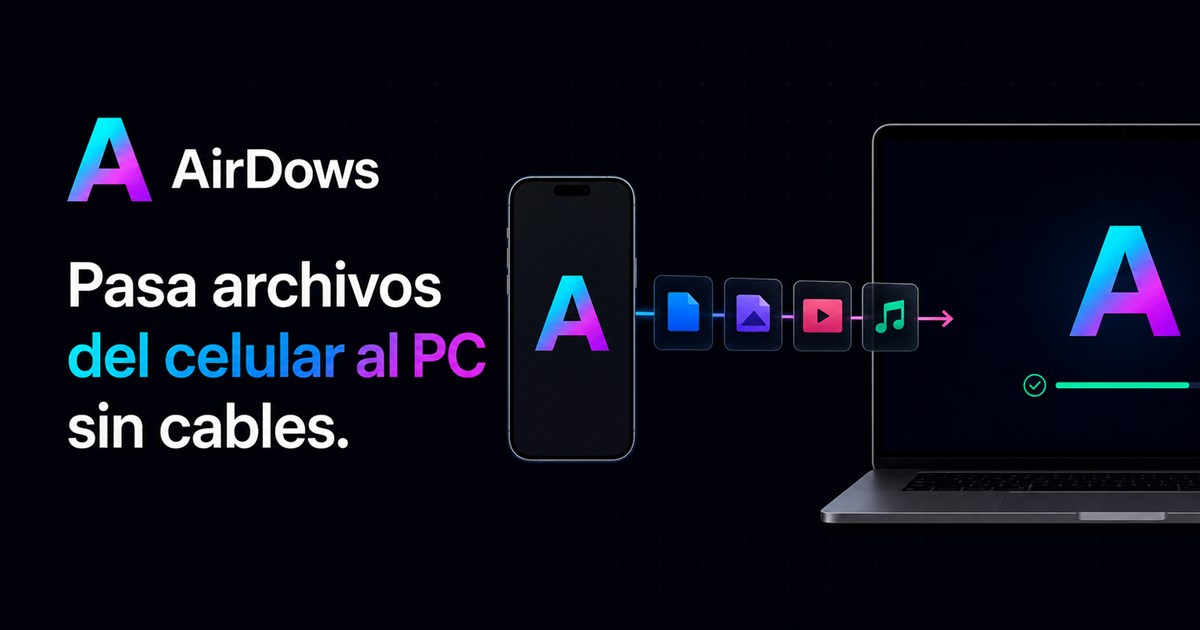
AirDows lets users send files directly from their mobile to computer using QR codes or temporary codes, ensuring the original quality and format are preserved.
AirDows introduces a new method for transferring files between devices without needing an intermediary account. Users can open the AirDows app on both their phone and computer, connect via QR code or temporary code, and send files directly while maintaining their original resolution, format, and quality. This is particularly useful for developers working across multiple platforms who need to ensure data integrity during transfers. The process involves selecting a file to send and keeping both screens active until the transfer completes.
Key Points
Users connect devices via AirDows app on mobile and computer
Transfer process uses QR code or temporary code for authentication
Files retain their resolution, format, and integrity during transfer
No intermediary accounts required for file sharing between devices
Both screens must remain active until the file reaches its destination
Why It Matters
If you're a developer working on cross-platform projects, AirDows simplifies direct file transfers without compromising quality. This is especially handy when collaborating with team members who use different operating systems.
Frequently Asked Questions
Why does this matter?
If you're a developer working on cross-platform projects, AirDows simplifies direct file transfers without compromising quality. This is especially handy when collaborating with team members who use different operating systems.
What happened?
AirDows lets users send files directly from their mobile to computer using QR codes or temporary codes, ensuring the original quality and format are preserved.
Comments
Be the first to comment
Enjoyed this article?
Get it daily. 7am. Free. Reads in 5 minutes.