🤖Google Rolls Out Personal Intelligence to Gemini, Android Auto
Google's AI Gets Smarter with More Data
TL;DR
Google has rolled out Personal Intelligence to Gemini and Android Auto, allowing users to provide more context for better AI output. The feature is optional and off by default, but it can significantly enhance user experience by leveraging connected data.
Google has integrated Personal Intelligence into its Gemini AI, making it available to all users and rolling it out to Android Auto and vehicles with Google Built-in. This feature allows Gemini to pull in more data from connected apps like calendars and photos to provide more accurate and contextually relevant responses. For instance, users can now say 'take me to my doctor's appointment' and Gemini will automatically retrieve the location from their calendar. The feature is optional and off by default, but users can easily enable it in the Gemini app's settings. This is a significant move for Google, as it leverages its vast user data to differentiate its AI from competitors. However, users should be cautious about their data-sharing settings and ensure they are comfortable with the level of data being accessed by Gemini.
Key Points
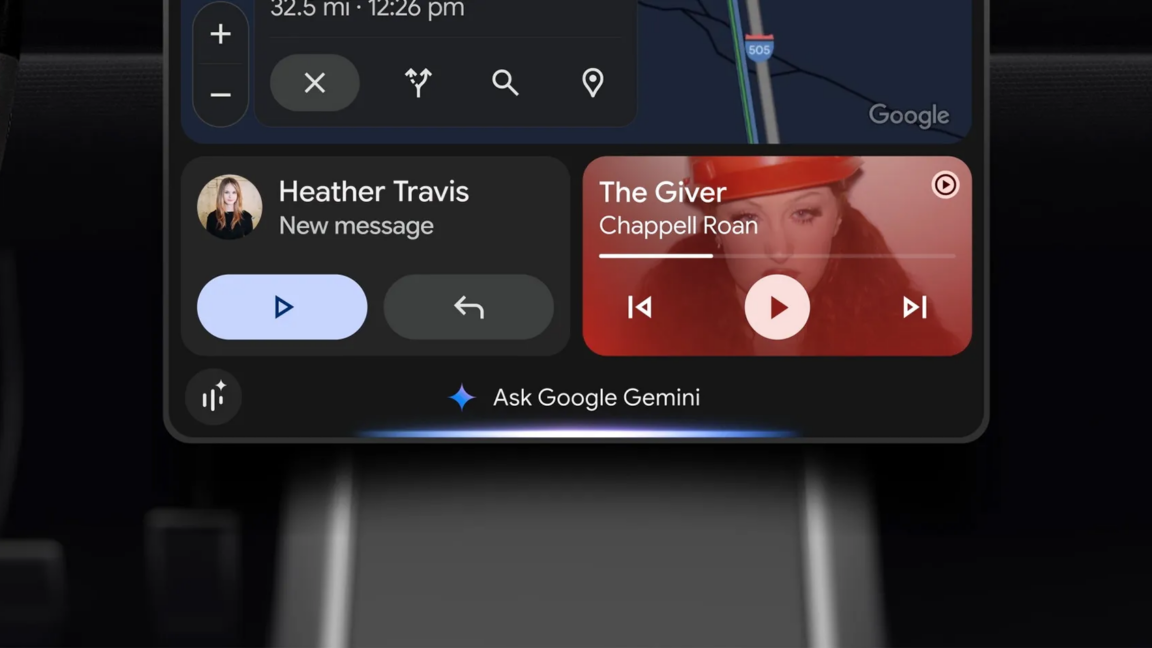
Personal Intelligence is now available to all Gemini users, rolling out to Android Auto today and Google Built-in vehicles in the next few months.
Users can enable Personal Intelligence in the Gemini app's settings, under the 'Connected Apps' section, where they can toggle Workspace, Search, and Photos.
Google does not use personal data to train Gemini but uses inputs and outputs while using the AI to improve performance.
The feature is off by default, but users may have turned it on while interacting with Gemini, enhancing the user experience.
Google's Personal Intelligence aims to make users' lives easier by focusing on the road and reducing the need for detailed instructions.
Why It Matters
If you're using Gemini or Android Auto, Personal Intelligence can significantly enhance your experience by providing more accurate and contextually relevant responses. However, it's crucial to review your data-sharing settings to ensure you're comfortable with the level of data being accessed.
Comments
Be the first to comment
Enjoyed this article?
Get it daily. 7am. Free. Reads in 5 minutes.
Join 3,569 builders reading daily.