🔒OpenAI's Codex Sandbox Locks Commands to User-Set Permissions Across macOS, Windows, Linux
Your Codex agent can't phone home by default
TL;DR
OpenAI's Codex runs model-generated commands inside a sandbox with user-configurable permission profiles. The default :workspace profile allows writes only inside your project and blocks network access. If you're letting an agent run shell commands, this is the guardrail you want on by default.
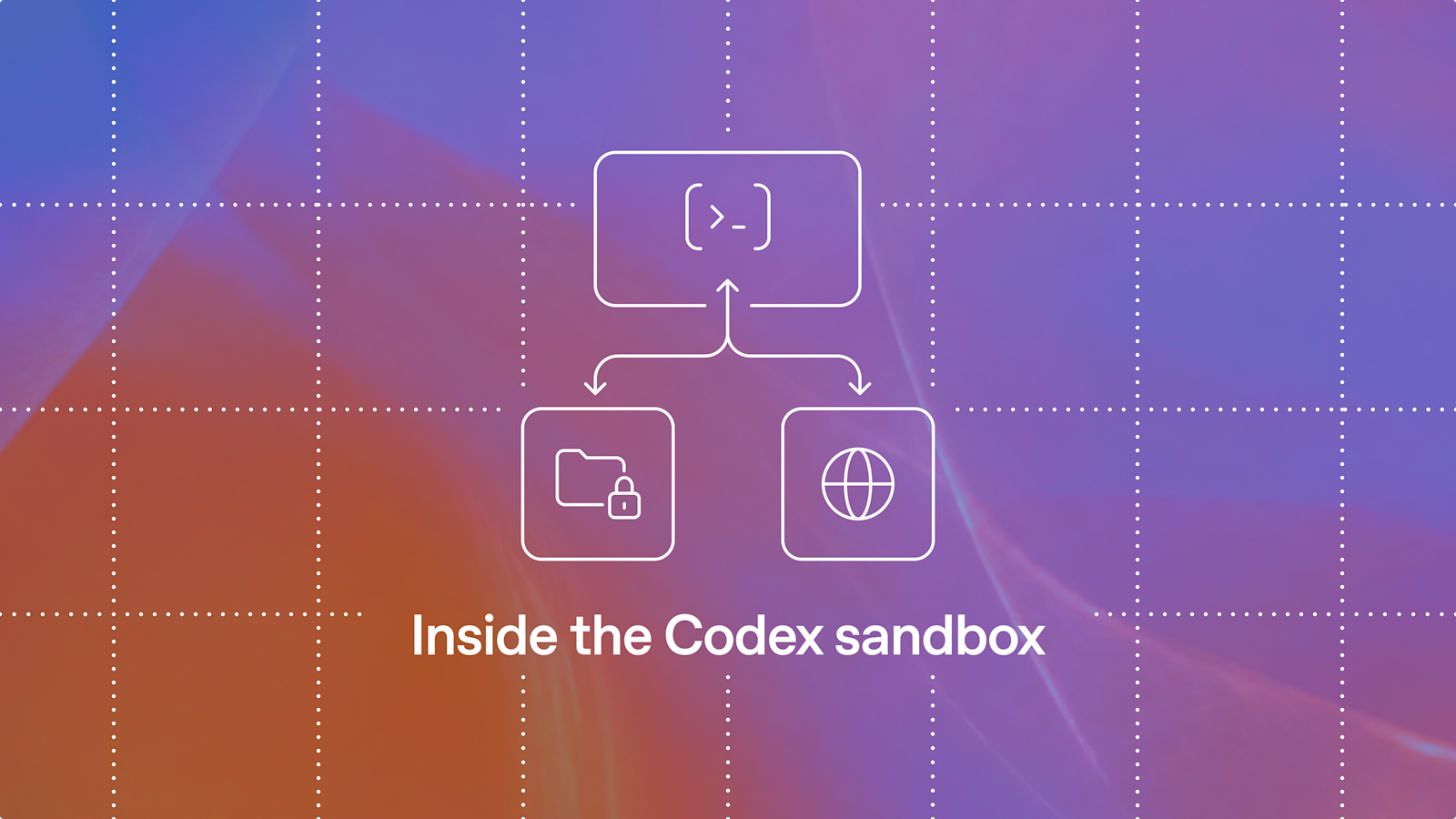
Codex can now run the commands it writes inside a sandbox, and the defaults are tight. Writes are allowed only within your workspace, with .git and .codex kept read-only, and outbound network access is off. The sandbox enforces these limits on macOS, Windows, and Linux. Why you should care: if you let an agent run shell commands on your laptop, the model is effectively running code with your permissions. This sandbox is the layer that stops a bad tool call from rewriting your git history or uploading files to an external service. The enforcement uses each OS's native mechanisms, so it's not a VM or container you have to spin up, and the same API is exposed so you can reuse it in your own tooling. The :workspace profile gives broad filesystem reads, bounded only by your existing OS permissions, so the sandbox limits writes and network rather than what the agent can see. Network access is opened only when the harness needs it, routed through a proxy. Expect the specifics of which syscalls and paths are blocked to matter more than the headline.
Key Points
The default :workspace permission profile allows writes inside the workspace while keeping .git and .codex directories read-only, protecting repository history and Codex's own configuration from model-generated commands.
Keep reading — it's free
Enter your email to keep reading — plus the best of AI & tech, daily. Free, forever.
Already a member? Sign in
Comments
Be the first to comment