
Photo Editing Freemium
4DDiG
Desktop App 4.3/5 WindowsmacOS
What is 4DDiG?
AI-powered photo repair, enhancement, colorization, and expansion tool. Fix corrupted, blurry, or pixelated photos easily.
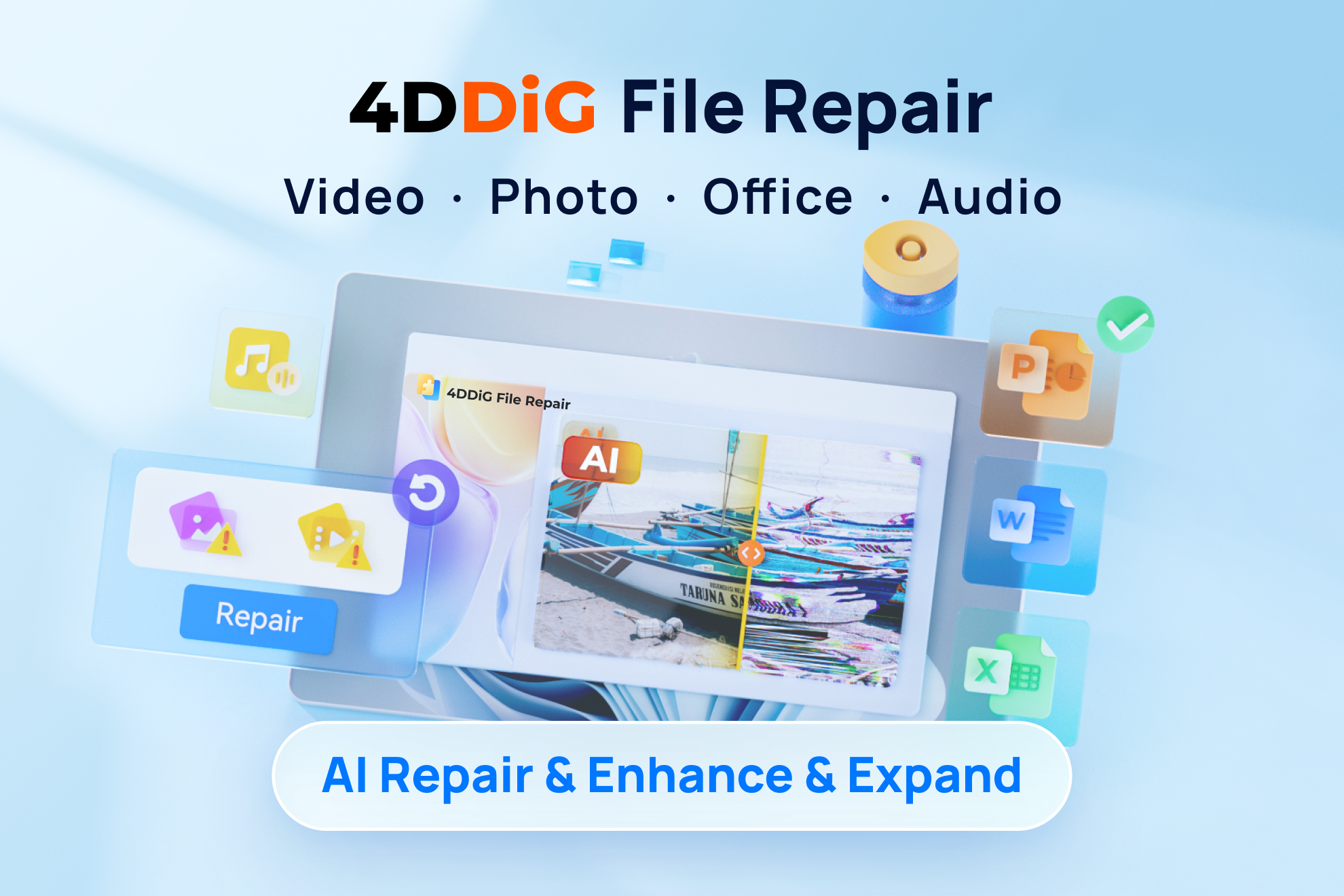
4DDiG Photo Repair is an AI-powered tool that repairs corrupted, damaged, blurry, or pixelated photos. It enhances photo quality, colorizes black-and-white images, and expands images with AI. Supports batch repair of up to 3,000 photos and various formats including JPG, PNG, RAW, HEIC, and more. Works on Windows and Mac.
Key Features
AI-powered photo repair
Enhance photo quality
Colorize black and white photos
Expand images with AI
Batch repair up to 3000 photos
Support for multiple formats (JPG, PNG, RAW, HEIC, etc.)
Preview before saving
Advanced repair for heavily damaged photos
Convert images to JPG
Works with various devices (SD cards, USB, etc.)
Use Cases
Photographers repair corrupted RAW files from cameras, recovering images that would otherwise be lost, saving hours of reshoot time.
Social media managers enhance low-quality or pixelated images for posts, ensuring consistent high-quality visuals across platforms.
Historians and genealogists restore old, faded, or scratched family photos, colorizing them to bring memories to life.
E-commerce sellers fix overexposed or underexposed product photos, improving listing appeal and increasing conversion rates.
Graphic designers batch repair multiple damaged image files at once, streamlining workflow and meeting tight deadlines.
Casual users fix blurry or corrupted photos from phones or memory cards, preserving precious moments without technical expertise.
photo repairAI photo enhancercolorize black and whiteimage restorationbatch photo repairphoto quality enhancementcorrupted photo fixold photo restoration
Alternatives
Frequently asked questions
- Is 4DDiG free?
- 4DDiG offers a free trial.
- What is 4DDiG used for?
- 4DDiG is used for Photographers repair corrupted RAW files from cameras, recovering images that would otherwise be lost, saving hours of reshoot time.; Social media managers enhance low-quality or pixelated images for posts, ensuring consistent high-quality visuals across platforms.; Historians and genealogists restore old, faded, or scratched family photos, colorizing them to bring memories to life.; E-commerce sellers fix overexposed or underexposed product photos, improving listing appeal and increasing conversion rates.; Graphic designers batch repair multiple damaged image files at once, streamlining workflow and meeting tight deadlines..
- What are alternatives to 4DDiG?
- Alternatives to 4DDiG include Adobe Photoshop, Stellar Repair for Photo, Remo Repair. See the full ranked list of 4DDiG alternatives on ContentBuffer.
Opens in a new tab on 4DDiG website.
Comments
Subscribe to join the conversation...
Be the first to comment
Discover more AI tools like this
Get the best AI tools, news, and resources delivered weekly.
Join 3,568 builders reading daily.
Also get