Skip to content

Best Video Editing AI tools

37 Video Editing AI tools ranked by our quality score, with pricing and alternatives. See the best AI tools overall.

  1. Runway AlephRunway Aleph logo
    Video Editing

    Runway Aleph

    Runway Aleph is an advanced AI-powered video transformation platform that edits and manipulates videos through natural language prompts. It uses state-of-the-art in-context video models to perform complex visual transformations such as camera angle generation, object addition/removal, style transfer, environment changes, and lighting modification. No login required, completely free, and processes videos in seconds. Trusted by over 50,000 creators worldwide.

    AI video editingvideo manipulationcamera angle generation+7
  2. AnyEnhancerAnyEnhancer logo
    Video Editing

    AnyEnhancer

    AnyEnhancer is an AI-powered video enhancement tool that upscales, denoises, colorizes, and smooths videos. It offers multiple AI models for resolution enhancement, face restoration, colorization, color enhancement, denoising, and frame interpolation. Users can upscale videos to 4K, restore blurry faces, colorize black-and-white footage, and improve frame rates. The tool is designed for both professionals and hobbyists, with a simple three-step process: upload, choose a model, and export. It supports Windows and macOS, and includes a 60-day money-back guarantee.

    AI video enhancervideo upscaler4K upscaling+12
  3. AVCLabs Video Blur AIAVCLabs Video Blur AI logo
    Video Editing

    AVCLabs Video Blur AI

    AVCLabs Video Blur AI is an AI-powered video editor that automatically identifies and blurs faces, license plates, backgrounds, and removes unwanted objects from videos. It reduces 99% of manual editing work with features like AI face blur, license plate blur, background/foreground blur, object tracking blur, and AI object removal. The tool offers flexible customization with adjustable blur intensity, size, and feathering, and supports real-time preview. It is designed for privacy compliance and creative video editing, handling multiple sensitive elements simultaneously.

    video blurface blurlicense plate blur+7
  4. AddsubtitleAddsubtitle logo
    Video Editing

    Addsubtitle

    AddSubtitle.ai is an AI-powered online tool that translates, subtitles, and dubs videos directly in your browser. It supports 100+ languages with 99.9% accuracy, offering features like automatic subtitle generation, multilingual subtitles, customizable subtitle styles, and video rewriting with voice and lip-sync adaptation. Trusted by over 10,000 creators and businesses, it enables users to add bilingual subtitles, edit videos as easily as editing documents, and reach a global audience.

    AI subtitlesvideo translationvideo dubbing+7
  5. Lucy Edit AILucy Edit AI logo
    Video Editing

    Lucy Edit AI

    Lucy Edit AI is the first open-source instruction-guided video editing model. It allows precise text-guided edits to videos while preserving motion and composition, without requiring masks or fine-tuning. Built on Wan2.2 5B architecture, it supports 81-frame generations and can perform clothing modifications, character replacements, object insertions, scene transformations, and color changes. The model is completely free and open-source for any use, including commercial projects.

    open-sourcevideo editingAI+7
  6. Wayin AIWayin AI logo
    Video Editing

    Wayin AI

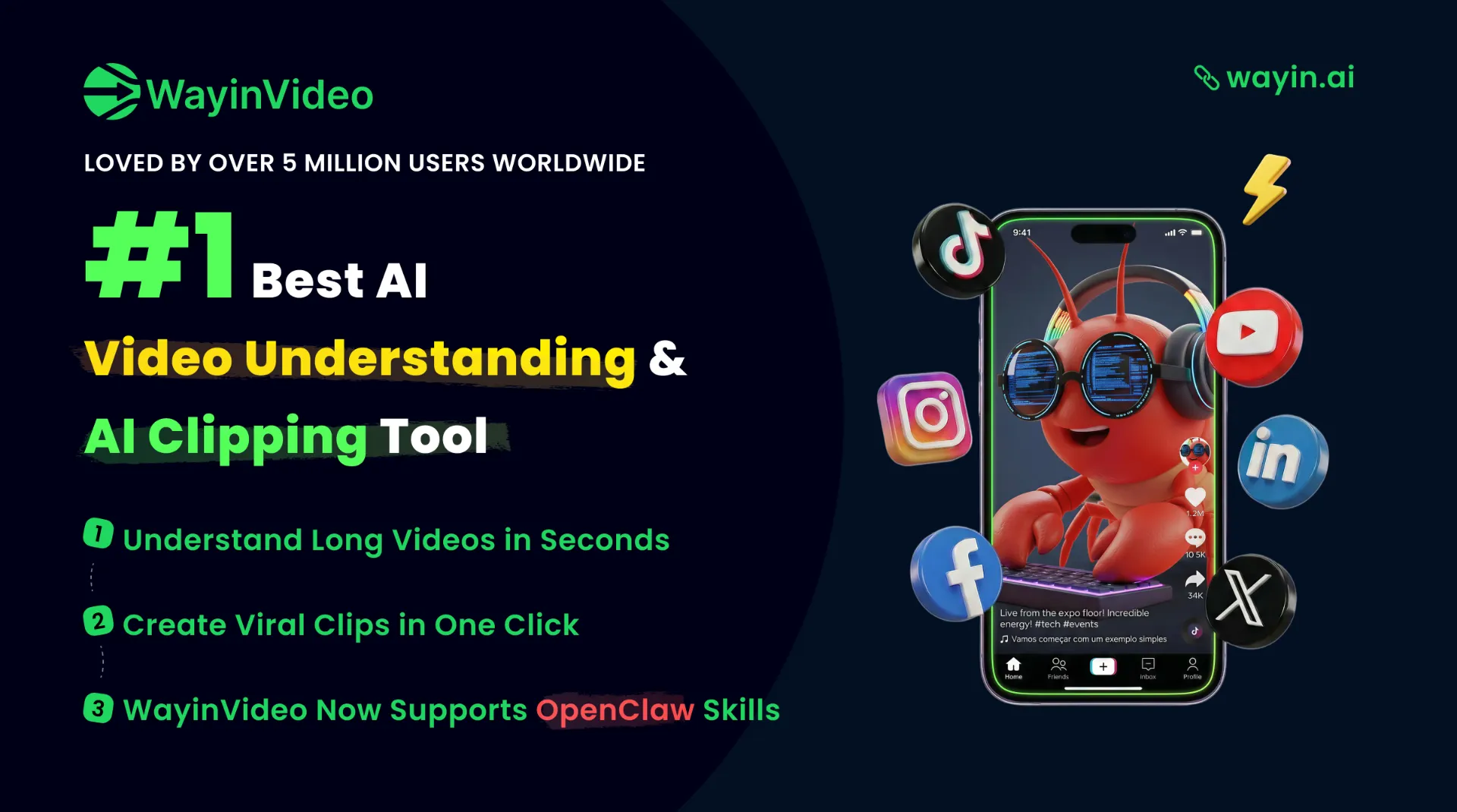
    WayinVideo is an AI-powered video platform that offers tools for clipping, summarizing, transcribing, captioning, and reframing videos. It helps users turn long videos into short clips, find specific moments, generate summaries with timestamps, produce accurate transcripts with speaker labels, create animated subtitles in multiple languages, and reframe videos for different aspect ratios. The platform also provides an API for automation. It is designed for work, study, and content creation, supporting over 100 languages.

    AI video editorvideo clippervideo summarizer+7