Video Repair Freemium
EaseUS Video Repair
Web Application 4.3/5 webwindowsmac
What is EaseUS Video Repair?
Free AI-powered online tool to repair damaged, corrupt, or unplayable video files in popular formats like MP4 and MOV.
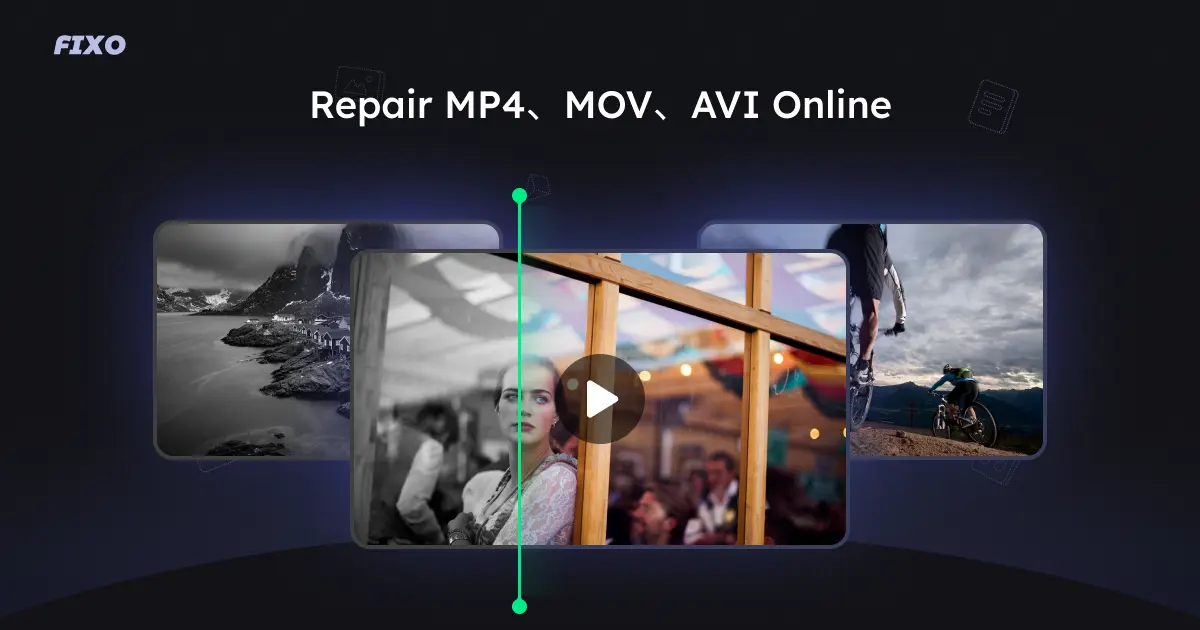
EaseUS Online Video Repair is a free tool that uses AI to fix damaged, corrupt, broken, or unplayable video files in formats like MP4, MOV, M4V, M2TS, MKV, MTS, 3GP, AVI, and FLV. It addresses issues such as blurriness, flickering, no sound, missing subtitles, lagging, and metadata loss. The tool supports videos from cameras, GoPro, drones, and SD cards, and preserves original quality. For larger files or batch processing, a Pro desktop version is available.
Key Features
AI-powered automatic repair
Supports MP4, MOV, M4V, M2TS, MKV, MTS, 3GP, AVI, FLV, MXF, KLV, INSV, WMV, MPEG, ASF
Fixes blurry, flickering, no sound, missing subtitles, lagging, metadata loss
Preserves original video quality
Preview repaired video before download
Secure and private processing
Works with videos from cameras, GoPro, drones, SD cards
Free online version (up to 100 MB, 1 video/day)
Pro desktop version for unlimited use
Use Cases
Videographers repair corrupted MP4 files from a faulty SD card after a shoot, restoring full playback without quality loss.
Content creators fix blurry or flickering GoPro footage caused by improper ejection, ensuring smooth uploads to social media.
Home users recover unplayable family videos from a damaged smartphone, preserving cherished memories with original clarity.
Drone pilots repair corrupted MOV files from a sudden power outage during flight, recovering aerial footage for client delivery.
IT professionals batch repair multiple corrupted video files from a crashed server using the Pro version, minimizing data loss.
Video editors fix lagging or out-of-sync clips from incomplete transfers, enabling seamless integration into projects.
Archivists restore missing metadata (title, date) in old MP4 files, improving organization and searchability of digital libraries.
video repaircorrupted videofix MP4fix MOVAI repaironline toolfree video repairdamaged videovideo recovery
Alternatives
Frequently asked questions
- Is EaseUS Video Repair free?
- EaseUS Video Repair offers a free trial.
- What is EaseUS Video Repair used for?
- EaseUS Video Repair is used for Videographers repair corrupted MP4 files from a faulty SD card after a shoot, restoring full playback without quality loss.; Content creators fix blurry or flickering GoPro footage caused by improper ejection, ensuring smooth uploads to social media.; Home users recover unplayable family videos from a damaged smartphone, preserving cherished memories with original clarity.; Drone pilots repair corrupted MOV files from a sudden power outage during flight, recovering aerial footage for client delivery.; IT professionals batch repair multiple corrupted video files from a crashed server using the Pro version, minimizing data loss..
- What are alternatives to EaseUS Video Repair?
- Alternatives to EaseUS Video Repair include Stellar Repair for Video, Remo Repair MOV, VLC Media Player. See the full ranked list of EaseUS Video Repair alternatives on ContentBuffer.
Opens in a new tab on EaseUS Video Repair website.
Comments
Subscribe to join the conversation...
Be the first to comment
Discover more AI tools like this
Get the best AI tools, news, and resources delivered weekly.
Join 3,568 builders reading daily.
Also get