Productivity Freemium
Invenio — AI Video & Photo Search
Desktop App macOS
What is Invenio — AI Video & Photo Search?
Local, on-device AI search across your Mac video and photo libraries.
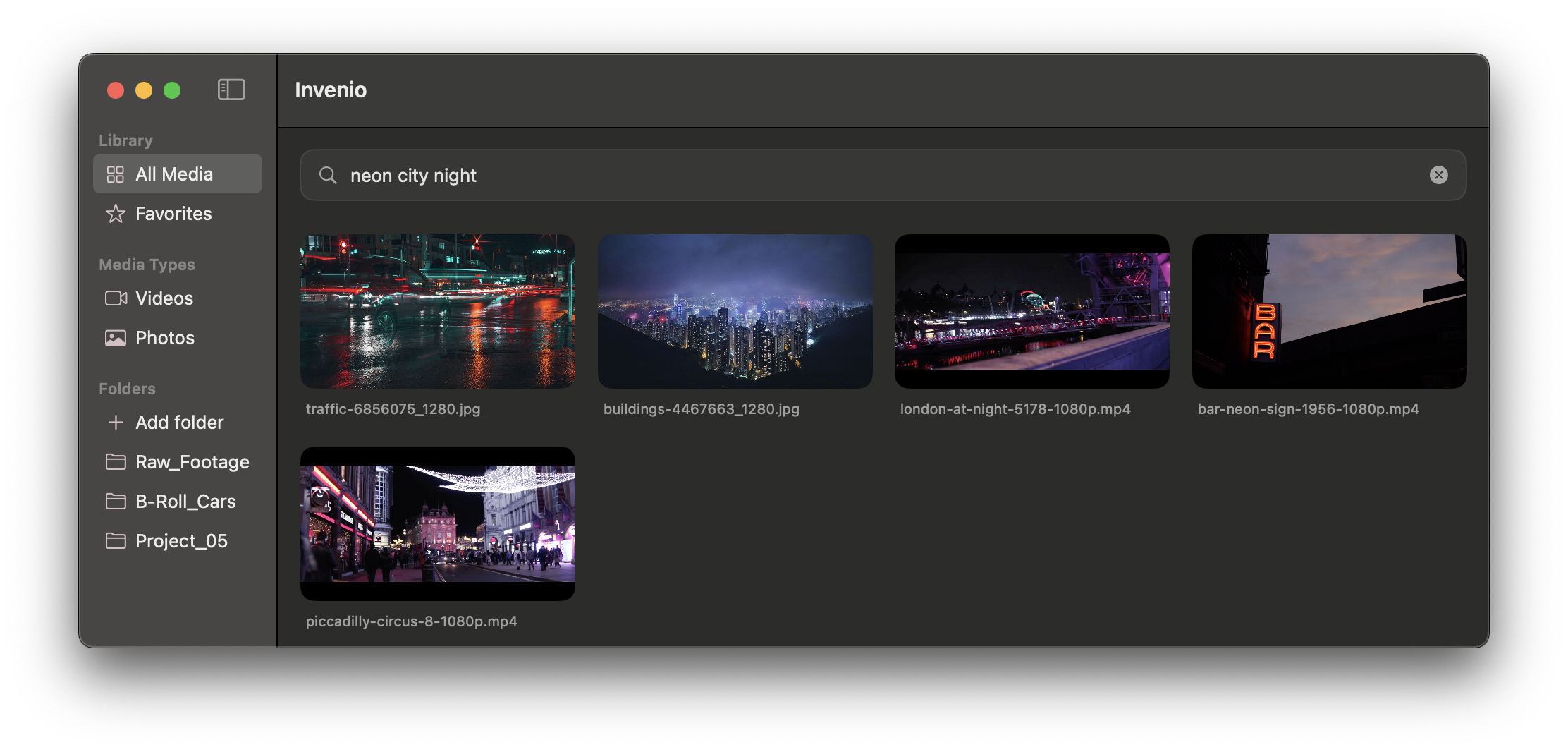
Invenio lets video editors and creators search huge video and photo libraries on Mac using natural language, spoken words or visual similarity — entirely on-device via the Apple Neural Engine. Type a query like 'man on a bike' and it finds the exact frame, then drag it straight into Premiere or Final Cut. No cloud, no tracking, 100% local.
Key Features
Natural-language and visual similarity search
100% on-device via Apple Neural Engine
Handles terabytes of footage
Drag results into Premiere / Final Cut
OCR and visual search free
Use Cases
Find a moment in a large video library
Search photos by content
Speed up video editing workflows
video searchlocal aimacapple siliconsemantic searchmedia library
See all Invenio — AI Video & Photo Search alternatives → Frequently asked questions
- What is Invenio — AI Video & Photo Search used for?
- Invenio — AI Video & Photo Search is used for Find a moment in a large video library; Search photos by content; Speed up video editing workflows.
- What are alternatives to Invenio — AI Video & Photo Search?
- See the ranked list of Invenio — AI Video & Photo Search alternatives in the Productivity category on ContentBuffer.
Opens in a new tab on Invenio — AI Video & Photo Search website.
Comments
Subscribe to join the conversation...
Be the first to comment
Discover more AI tools like this
Get the best AI tools, news, and resources delivered weekly.
Join 3,570 builders reading daily.
Also get