
Image Editing Free
Morphr
Browser Extension 3.5/5 Chrome
What is Morphr?
Edit any web image with AI text prompts using Morphr Chrome extension.
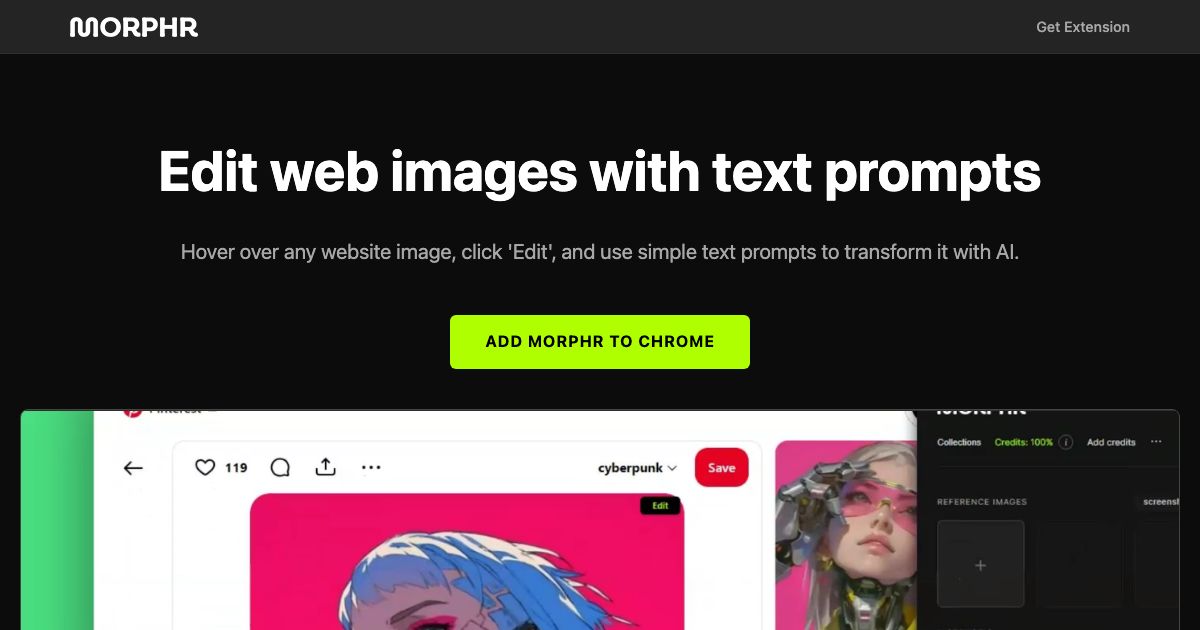
Morphr is an AI-powered Chrome extension that lets you edit any image on the web by hovering over it, clicking 'Edit', and typing a text prompt. Transform images instantly without leaving your browser.
Key Features
Edit web images with text prompts
Hover and click to edit
AI-powered transformation
Use Cases
Designers quickly replace product images on competitor websites with their own mockups for comparison, saving hours of manual editing.
Content creators modify screenshots or stock photos directly on a webpage to match their brand colors, streamlining visual content creation.
Marketers swap out background images on landing pages to test different visuals without needing Photoshop or developer help.
E-commerce managers edit product photos on supplier sites to remove watermarks or adjust lighting, accelerating listing preparation.
Social media managers customize memes or graphics found online by changing text or elements, enabling rapid content adaptation.
Developers tweak UI mockups on design review pages by altering colors or labels with simple prompts, speeding up iteration cycles.
AIimage editingChrome extensiontext promptsweb images
See all Morphr alternatives → Frequently asked questions
- What is Morphr used for?
- Morphr is used for Designers quickly replace product images on competitor websites with their own mockups for comparison, saving hours of manual editing.; Content creators modify screenshots or stock photos directly on a webpage to match their brand colors, streamlining visual content creation.; Marketers swap out background images on landing pages to test different visuals without needing Photoshop or developer help.; E-commerce managers edit product photos on supplier sites to remove watermarks or adjust lighting, accelerating listing preparation.; Social media managers customize memes or graphics found online by changing text or elements, enabling rapid content adaptation..
- What are alternatives to Morphr?
- See the ranked list of Morphr alternatives in the Image Editing category on ContentBuffer.
Opens in a new tab on Morphr website.
Comments
Subscribe to join the conversation...
Be the first to comment
Discover more AI tools like this
Get the best AI tools, news, and resources delivered weekly.
Join 3,571 builders reading daily.
Also get