Productivity Freemium
Ncurator
Browser Extension 3.8/5 ChromeDesktop (Windows/Mac/Linux)
What is Ncurator?
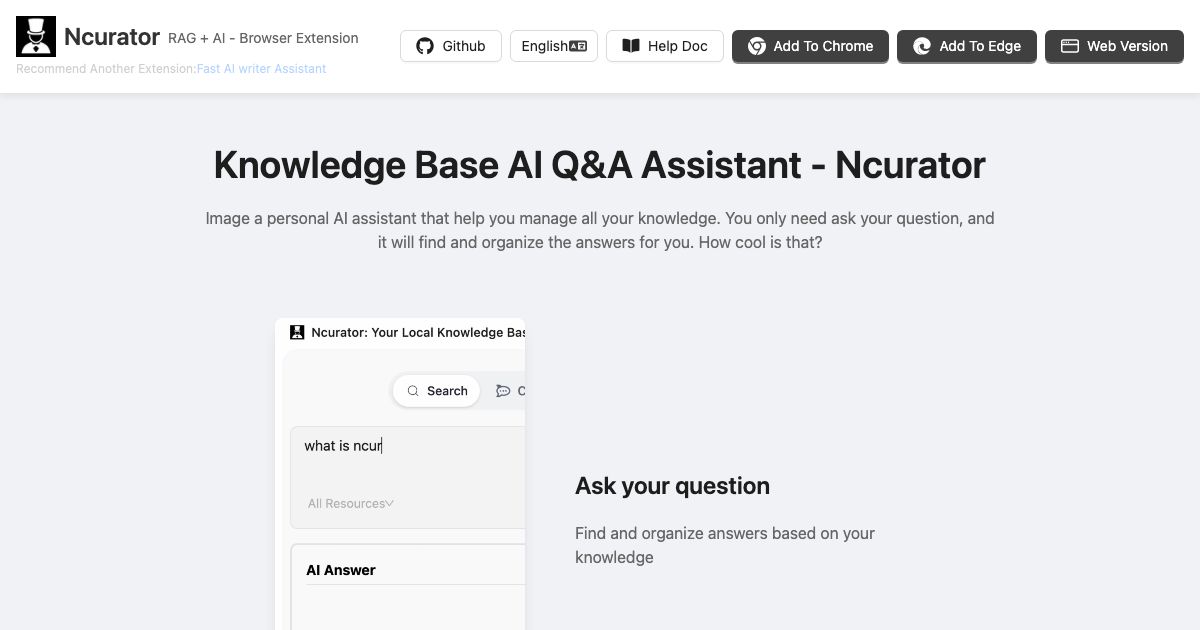
Personal AI assistant that manages your knowledge: ask questions, get answers from your own data, stored locally.
Ncurator is a knowledge base AI Q&A assistant that helps users manage their knowledge by asking questions and getting organized answers. It supports importing files (PDF, DOCX), crawling webpages, and importing browser bookmarks. Data is stored locally for security, and it can use local LLM models for free. It is available as a Chrome extension and desktop app.
Key Features
Import PDF, DOCX
Crawl webpages
Import browser bookmarks
Semantic search
AI analysis of documents
Q&A with current webpage
Local data storage
Offline use
Free local LLM
WebGPU support
Use Cases
Researchers import PDFs and web pages into their knowledge base, then ask questions to quickly find relevant information without re-reading documents.
Students crawl lecture notes and bookmarks, then query the assistant to prepare for exams by getting summarized answers from their materials.
Content creators collect articles and blog posts, then use the AI to extract key insights and generate new content ideas based on their curated knowledge.
Professionals save emails and reports, then ask the assistant to retrieve specific data points or summarize lengthy documents in seconds.
Developers import technical documentation and code snippets, then query the knowledge base to get code examples or troubleshooting steps instantly.
Writers gather research from multiple sources, then use the AI to organize and synthesize information for their writing projects.
Knowledge workers maintain a personal knowledge base of web clippings and files, then ask questions to recall facts or decisions made in past projects.
AI assistantknowledge baseQ&Alocal LLMbrowser extensionsemantic searchofflinedata privacy
See all Ncurator alternatives → Frequently asked questions
- What is Ncurator used for?
- Ncurator is used for Researchers import PDFs and web pages into their knowledge base, then ask questions to quickly find relevant information without re-reading documents.; Students crawl lecture notes and bookmarks, then query the assistant to prepare for exams by getting summarized answers from their materials.; Content creators collect articles and blog posts, then use the AI to extract key insights and generate new content ideas based on their curated knowledge.; Professionals save emails and reports, then ask the assistant to retrieve specific data points or summarize lengthy documents in seconds.; Developers import technical documentation and code snippets, then query the knowledge base to get code examples or troubleshooting steps instantly..
- What are alternatives to Ncurator?
- Alternatives to Ncurator include Notion AI, Obsidian, Dify. See the full ranked list of Ncurator alternatives on ContentBuffer.
Opens in a new tab on Ncurator website.
Comments
Subscribe to join the conversation...
Be the first to comment
Discover more AI tools like this
Get the best AI tools, news, and resources delivered weekly.
Join 3,568 builders reading daily.
Also get