
OpenSilver
What is OpenSilver?
Build modern .NET web apps in C# and XAML. Migrate Silverlight/WPF to the web with 100% code reuse and identical UI.
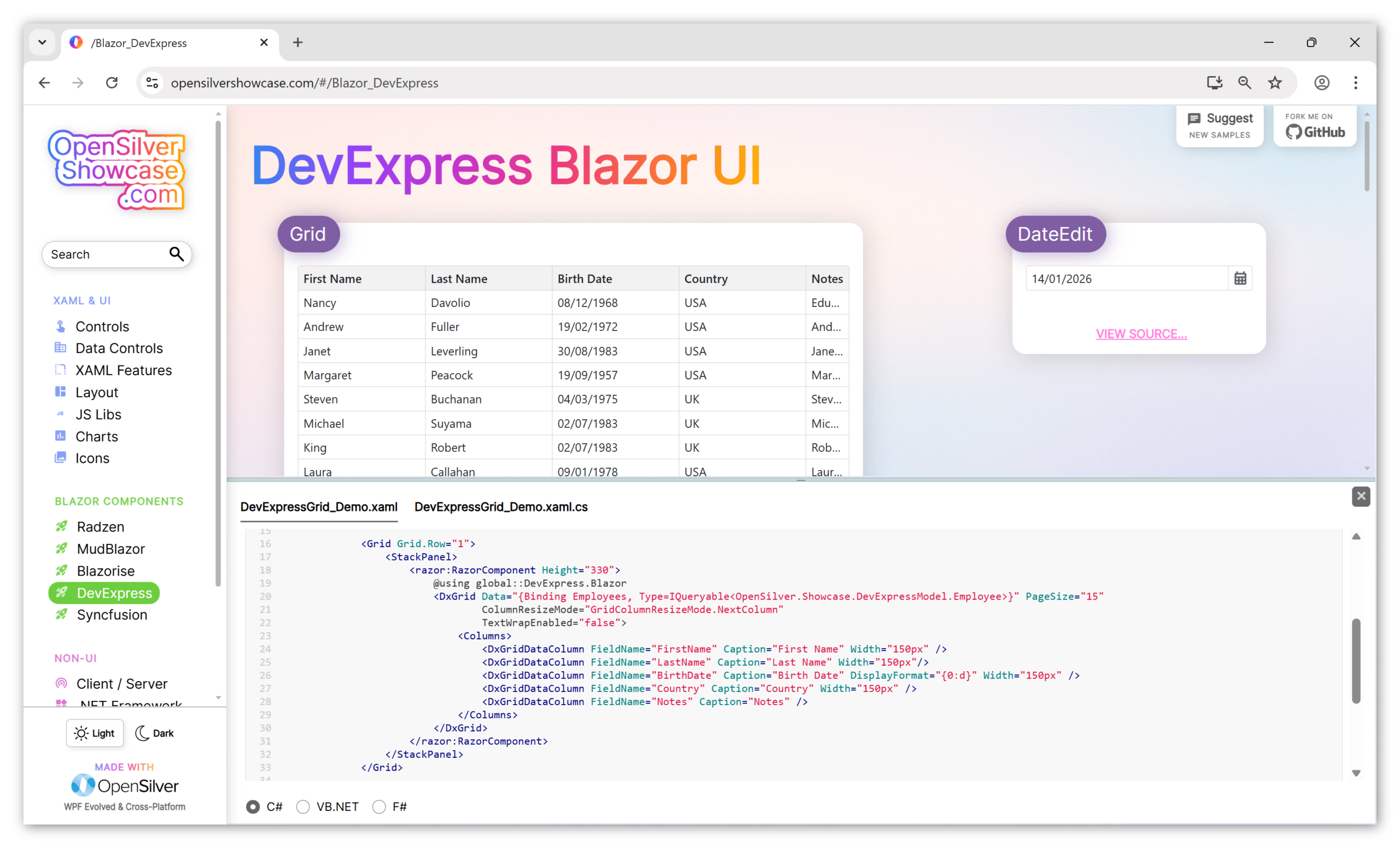
OpenSilver is a modern, open-source framework for building .NET web applications using C# and XAML. It enables developers to migrate legacy Silverlight and WPF applications to the web with minimal code changes, achieving 100% code reusability and identical UI. The latest 3.3 release supports Blazor components, MAUI Hybrid integration, and an AI-enhanced drag-and-drop UI designer. OpenSilver runs on all major browsers and devices, offering compatibility with Blazor, React, and Angular. It provides enterprise-grade controls, RIA Services, and LightSwitch support, with options for DIY migration or full end-to-end migration services.
Key Features
Use Cases
Alternatives
Frequently asked questions
- Is OpenSilver free?
- OpenSilver offers a free trial.
- Is OpenSilver open source?
- Yes, OpenSilver is open source.
- What is OpenSilver used for?
- OpenSilver is used for Enterprises with legacy Silverlight applications can migrate to modern web platforms while preserving over 99% of original code, reducing migration time and cost by 3-6 times.; WPF desktop application teams can transition their apps to run on any browser and device, reusing existing C# and XAML code without rewriting the UI.; Developers building new .NET web apps can leverage OpenSilver's drag-and-drop UI designer and Blazor component support to rapidly create cross-platform applications.; Organizations using Internet Explorer-dependent Silverlight apps can move to modern browsers like Chrome, Firefox, and Safari, eliminating IE limitations.; Companies with RIA Services or LightSwitch projects can migrate to OpenSilver, maintaining functionality and user experience while adopting a modern framework..
- What are alternatives to OpenSilver?
- Alternatives to OpenSilver include Silverlight, WPF, Blazor, React, Angular. See the full ranked list of OpenSilver alternatives on ContentBuffer.
Opens in a new tab on OpenSilver website.
Comments
Be the first to comment
Discover more AI tools like this
Get the best AI tools, news, and resources delivered weekly.
Join 3,571 builders reading daily.