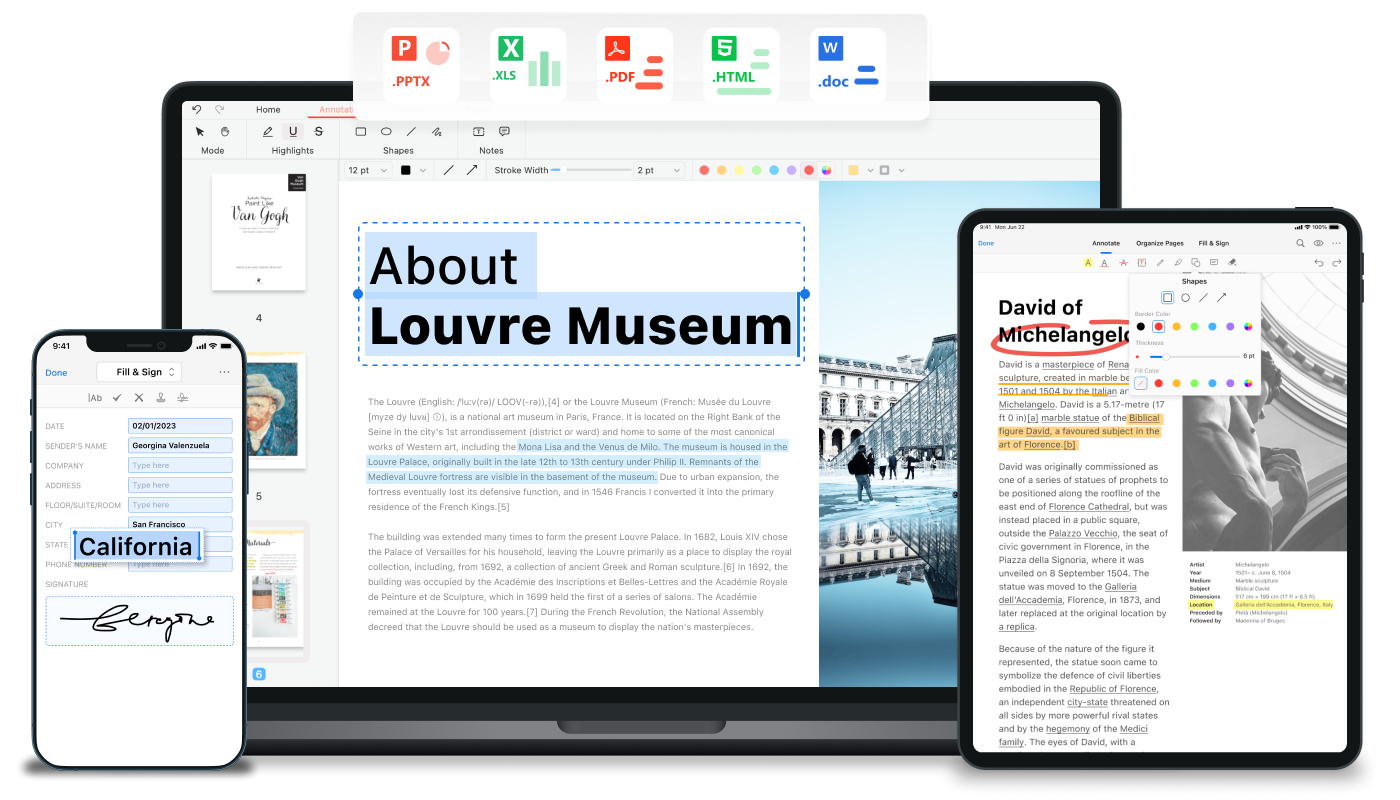
Free, AI-powered PDF editor for desktop and online. Edit, convert, merge, sign, and chat with PDFs. No sign-up required.
PDFgear is a free, AI-powered PDF editor software and online toolset that allows users to read, edit, convert, merge, sign, and manage PDF files across devices without cost or sign-up. It offers desktop apps for Windows, Mac, iOS, and Android, as well as online tools for quick tasks. Features include text and image editing, annotation, conversion between PDF and other formats (Word, Excel, PPT, JPG, etc.), OCR for scanned documents, and AI-powered chat with PDFs. Trusted by over 10,000 users with a 4.9 rating, it is a robust alternative to paid PDF editors like Adobe Acrobat.
Key Features
check_circleEdit PDF text and images
check_circleAnnotate with highlights, notes, stamps
check_circleConvert PDF to/from Word, Excel, PPT, JPG, TXT
check_circleOCR for scanned PDFs (30+ languages)
check_circleMerge and split PDFs
check_circleSign PDFs with drawn signatures
check_circleAI chat with PDF documents
check_circleBatch conversion
check_circleCompress PDF
check_circleAdd and delete pages
check_circleFill out forms
check_circleCross-platform sync
Use Cases
lightbulbStudents convert lecture slides from PDF to Word for easier note-taking, saving hours of manual retyping.
lightbulbBusiness professionals merge multiple PDF reports into one document and add signatures, streamlining client deliverables.
lightbulbResearchers use OCR to extract text from scanned articles and convert them to editable formats, enabling quick citation and analysis.
lightbulbMarketing teams compress large PDF portfolios for email attachments, reducing file size by 50% without quality loss.
lightbulbLegal professionals annotate contracts with highlights and comments, then share reviewed versions with clients for faster approvals.
lightbulbHR departments fill out and sign PDF forms digitally, eliminating printing and scanning steps.
lightbulbProject managers split a large PDF into individual chapters and distribute them to team members for parallel review.
lightbulbWriters use AI chat to summarize lengthy PDFs and extract key points, cutting reading time from hours to minutes.
PDF editorPDF converterAI PDFfree PDF softwareOCRdocument managementPDF mergePDF signPDF annotationPDF compression