
User Research & Feedback Freemium
Uini
Web Application 4.3/5 Web
What is Uini?
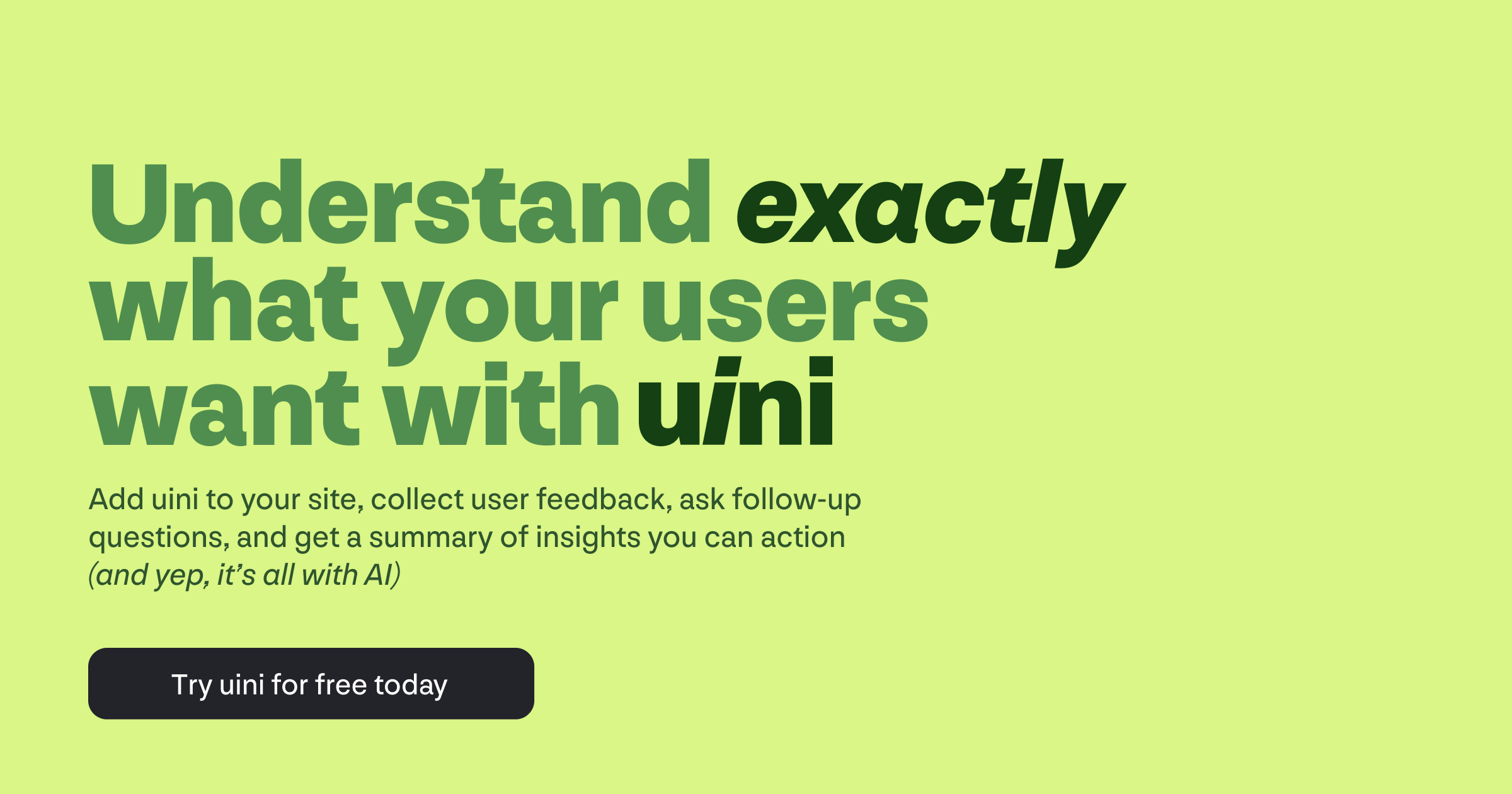
Automate user research with AI-powered widgets that generate questions, follow-ups, and actionable insights.
Uini is an AI-powered platform that automates user research and feedback collection. Embed a lightweight widget on your website to generate insightful questions, conduct intelligent follow-ups, and deliver actionable summaries. It helps product teams validate ideas, refine designs, optimize launches, and enhance existing products by continuously interviewing users and analyzing sentiment.
Key Features
AI-generated survey questions
Intelligent follow-up questions
Automated sentiment analysis
Actionable insight summaries
No-code widget installation
Customizable survey triggers (regex, timing)
Manual trigger via JavaScript
Lightweight (~50kb) widget
Multi-site support
Email summaries (coming soon)
Use Cases
Product managers validate new feature ideas by embedding Uini on a landing page, collecting feedback from 100+ users in a day, and receiving AI-generated summaries that highlight top concerns.
UX designers gather qualitative feedback on prototypes by showing a survey to beta testers; Uini's follow-ups uncover specific usability issues, reducing iteration cycles by 40%.
Marketing teams optimize launch messaging by running a survey on their website; AI analysis reveals which value propositions resonate most, enabling data-driven copy changes.
Startup founders continuously interview active users to identify pain points; Uini's automated insights help prioritize the product roadmap without manual data crunching.
Customer success teams monitor user sentiment post-launch by triggering surveys after key actions; sentiment analysis flags unhappy users in real-time, allowing proactive outreach.
Product teams running A/B tests use Uini to ask users about their experience; AI summaries compare sentiment between variants, speeding up decision-making.
SaaS companies reduce churn by embedding a feedback widget in-app; Uini's follow-ups drill into reasons for cancellation, providing actionable retention strategies.
user researchfeedbackAIsurveysproduct validationuser insightssentiment analysisno-codewidget
Alternatives
Frequently asked questions
- Is Uini free?
- Uini offers a free trial.
- What is Uini used for?
- Uini is used for Product managers validate new feature ideas by embedding Uini on a landing page, collecting feedback from 100+ users in a day, and receiving AI-generated summaries that highlight top concerns.; UX designers gather qualitative feedback on prototypes by showing a survey to beta testers; Uini's follow-ups uncover specific usability issues, reducing iteration cycles by 40%.; Marketing teams optimize launch messaging by running a survey on their website; AI analysis reveals which value propositions resonate most, enabling data-driven copy changes.; Startup founders continuously interview active users to identify pain points; Uini's automated insights help prioritize the product roadmap without manual data crunching.; Customer success teams monitor user sentiment post-launch by triggering surveys after key actions; sentiment analysis flags unhappy users in real-time, allowing proactive outreach..
- What are alternatives to Uini?
- Alternatives to Uini include Hotjar, UserTesting, SurveyMonkey, Typeform. See the full ranked list of Uini alternatives on ContentBuffer.
Opens in a new tab on Uini website.
Comments
Subscribe to join the conversation...
Be the first to comment
Discover more AI tools like this
Get the best AI tools, news, and resources delivered weekly.
Join 3,568 builders reading daily.
Also get