Productivity Freemium
WebFill
Browser Extension 3.8/5 ChromeFirefoxEdge
What is WebFill?
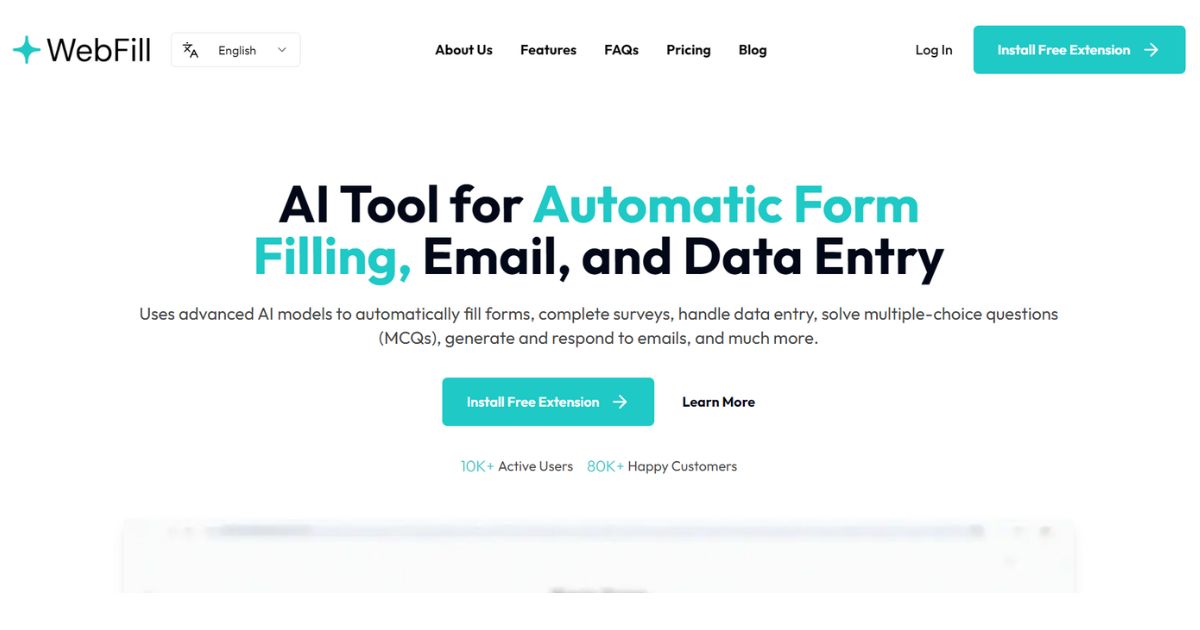
AI browser extension for automatic form filling, email generation, data entry, and screenshot analysis to boost productivity.
WebFill is an AI-powered browser extension that automates form filling, email generation, data entry, and screenshot analysis. It uses advanced AI models to fill forms, complete surveys, solve multiple-choice questions, and generate email responses. Features include WebFill Vision for screen capture analysis, chatbot assistance, and smart task automation. It offers free and paid plans with varying word limits and features.
Key Features
Automatic form filling
Email generation and response
WebFill Vision (screen capture analysis)
Chatbot assistance
Smart task automation
Data saving per website
Intelligent instruction setup
Manual instructions
Customizable WebFill icons
Enterprise-level data security (Premium)
Priority support (paid plans)
Access to most powerful AI models (paid plans)
Use Cases
Students use WebFill to automatically solve multiple-choice questions during online exams, saving time and improving accuracy.
HR managers upload employee pay slips and other PDFs for automatic data extraction and form filling, reducing manual errors and processing time.
Freelancers generate and respond to emails with custom instructions, allowing them to handle more clients and respond faster.
Research analysts complete surveys and repetitive forms with AI detection, making data entry tasks quick and error-free.
Project managers automate daily data entry tasks by uploading PDFs or text, freeing up hours each week for strategic work.
IT specialists rely on WebFill's enterprise-level data security to handle sensitive information safely during automated form filling.
Professionals use WebFill Vision to capture any part of their screen and get instant answers, aiding in research and problem-solving.
AI form fillingemail automationdata entrychatbotscreenshot analysisbrowser extensionproductivityautomationMCQ solversurvey automation
Alternatives
Frequently asked questions
- What is WebFill used for?
- WebFill is used for Students use WebFill to automatically solve multiple-choice questions during online exams, saving time and improving accuracy.; HR managers upload employee pay slips and other PDFs for automatic data extraction and form filling, reducing manual errors and processing time.; Freelancers generate and respond to emails with custom instructions, allowing them to handle more clients and respond faster.; Research analysts complete surveys and repetitive forms with AI detection, making data entry tasks quick and error-free.; Project managers automate daily data entry tasks by uploading PDFs or text, freeing up hours each week for strategic work..
- What are alternatives to WebFill?
- Alternatives to WebFill include Typeform, Google Forms, Zapier. See the full ranked list of WebFill alternatives on ContentBuffer.
Opens in a new tab on WebFill website.
Comments
Subscribe to join the conversation...
Be the first to comment
Discover more AI tools like this
Get the best AI tools, news, and resources delivered weekly.
Join 3,568 builders reading daily.
Also get