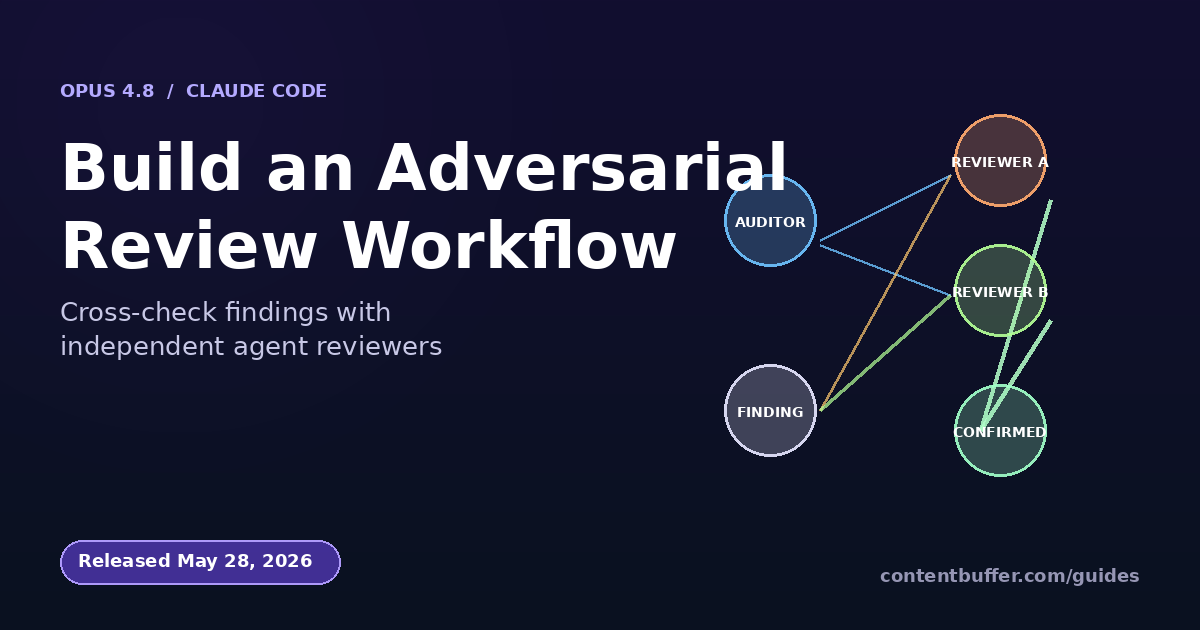
Build an Adversarial Review Workflow With Opus 4.8
Summary
Use Claude Code dynamic workflows to fan out and cross-check critical work.
On May 28, 2026 Anthropic released Claude Opus 4.8 alongside dynamic workflows in Claude Code. A dynamic workflow is a JavaScript script Claude writes for you that orchestrates many subagents in the background while your session stays free. The headline demo is the bundled /deep-research command, but the real power shows up when you codify a quality pattern that a single conversation cannot run reliably: independent agents that review each other's work before anything is reported back to you.
This guide walks through that pattern end to end. You will build an adversarial review workflow that audits every API route under a folder for missing authentication checks, uses Opus 4.8 as the auditor, has a second batch of agents critique those findings, and only surfaces issues that survive cross-checking. Then you will save the run as a reusable /audit-auth command. The exact same pattern transfers to migration sweeps, security reviews, doc audits, and research questions.
Why an adversarial review beats a single pass
If you give one Claude agent a list of files and ask it to find missing auth checks, you get one perspective. The Anthropic system card for Opus 4.8 reports a 3.7% rate of failing to flag important events to the user, down from 19.7% on Opus 4.7, but it is still non-zero. More importantly, a single pass cannot tell you which findings are confident and which are guesses about ambiguous middleware chains.
The adversarial review pattern fixes this by splitting the job into two roles that never share context:
- Auditors read a slice of the codebase and produce a structured list of suspected auth gaps with line numbers and reasoning.
- Reviewers read the auditor's claim plus the full file independently, decide if the claim holds, and either confirm, refute, or downgrade it to a question.
- Only claims that survive at least one reviewer's confirmation are surfaced. Refuted or downgraded claims either disappear or come back labeled as suggestions.
Because each reviewer starts with a fresh context window, they cannot inherit the auditor's blind spots. The script holds the intermediate state, so your own conversation context stays small and you get one cited report at the end instead of a turn-by-turn transcript.
Prerequisites
- Claude Code v2.1.154 or later (run
claude --versionto check; upgrade withnpm i -g @anthropic-ai/claude-code). - A paid Claude plan (Pro, Max, Team, or Enterprise) or Anthropic API access. Dynamic workflows are in research preview and not available on the free tier.
- Opus 4.8 selected via
/model, since the workflow's quality depends on the auditor and reviewer agents' reasoning. - A real repository to point at. The example below assumes a Node.js or Python service with routes under
src/routes/, but any layout works. - On Pro: open
/configand turn on the Dynamic workflows row. On Max/Team/Enterprise it is on by default.
Step 1: Confirm workflows are available
From inside your repo, launch Claude Code and run the bundled /deep-research workflow first. It is the cheapest way to confirm the runtime is working and your permission settings let workflows launch.
# In a terminal, at the root of your project
claude
# Then in the Claude Code REPL
/deep-research What changed in Node.js permission model between v20 and v22?
When Claude Code shows the approval prompt, pick Yes, run it. After a minute, type /workflows, arrow down to the run, press Enter, and you should see a phase tree. If the command is not recognized, your version is too old or workflows are disabled in /config.
Step 2: Pick a task that justifies fan-out
Not every task should be a workflow. A workflow pays off when the job has at least one of three properties: it touches more files than a single context can read, it needs independent perspectives to be trustworthy, or it is something you would run again on every branch. Auditing auth checks hits all three.
- Touches many files: every endpoint under
src/routes/. - Needs independence: an auditor reading 10 files in a row will start pattern-matching and miss the eleventh.
- Worth rerunning: you want this on every PR that adds a route.
Step 3: Ask for the workflow
Inside Claude Code, include the word workflow in your prompt. The CLI highlights the keyword so you know it triggered the workflow path instead of a normal turn-by-turn response.
Run a workflow to audit every route under src/routes/ for missing auth checks.
Use this adversarial review pattern:
Phase 1 - List: enumerate all route handlers under src/routes/.
Phase 2 - Audit: for each handler, spawn one agent that reads the file plus the
middleware it imports, and returns a structured finding:
{ file, line, route, method, auth_state: 'protected'|'public'|'unclear',
reasoning, confidence: 'high'|'medium'|'low' }
Phase 3 - Review: for each finding with auth_state != 'protected', spawn an
independent reviewer that re-reads the file from scratch (no prior context),
decides confirm/refute/needs-info, and returns its own reasoning.
Phase 4 - Report: only surface findings where the reviewer confirmed, grouped by
severity. Cite file:line for every claim.
Claude Code will write a JavaScript orchestration script and show you the planned phases before anything runs. Press Tab if you want to adjust the prompt, or Ctrl+G to open the generated script in your editor. Reading the script once is a good habit: it is the contract for what the runtime will do.
Step 4: Approve, then watch from the phase view
Pick Yes, run it on the approval card. The run starts in the background. Open the phase view to watch progress:
/workflows
# Arrow keys to select the run, Enter to drill in
# In the phase view:
# Enter - open the selected phase, then an agent, to read its prompt and result
# p - pause / resume the whole run
# x - stop the selected agent (or the run, when focus is on the run)
# r - restart a running agent
# s - save the run's script as a /command
A 200-route audit on a medium service typically fans out to 200 auditor agents in phase 2 and around 30-60 reviewer agents in phase 3 (only triggered for the suspicious findings). The runtime caps concurrency at 16 simultaneous agents and 1000 agents total per run, so the actual wall-clock time is bounded by the slowest 16 at any moment.
Step 5: Read the cross-checked report
When the run finishes, Claude drops a final report into your session. Because intermediate results lived in script variables and not in Claude's context, the report is compact even though hundreds of agents contributed. A real, lightly-edited example from a Fastify service:
## Auth audit results - src/routes/
Routes audited: 187. Suspected gaps surfaced for review: 14. Confirmed gaps: 6.
### Confirmed (high confidence) - 4
- src/routes/admin/users.ts:42 PATCH /admin/users/:id
Auditor: Handler mutates a user record. The router file does not apply
requireAdmin middleware to PATCH. Reasoning: only GET is wrapped.
Reviewer (independent re-read): Confirmed. requireAdmin is imported but
only used on lines 19-26. Lines 38-55 register PATCH without it.
Severity: critical.
- src/routes/billing/refund.ts:1 POST /billing/refund
Auditor: No auth middleware referenced in this file or the parent router.
Reviewer: Confirmed. Top-level router mounts at /billing without auth.
Severity: critical.
### Confirmed (medium confidence) - 2 ... (truncated)
### Refuted by reviewer - 8
(Auditor flagged. Reviewer found auth applied at parent router level. Not
surfaced as a real gap.)
Notice the structure: every confirmed claim has both the auditor's and reviewer's reasoning, plus the file:line. Refuted claims are summarized as a count so you can sanity check the false-positive rate without drowning in them.
Step 6: Save the workflow as /audit-auth
Open /workflows, select the run you just finished, and press s. The save dialog gives you two locations. Pick based on whether this workflow is project-specific or general:
| Location | Path | When to use |
|---|---|---|
| Project workflow | .claude/workflows/ | Specific to this repo's auth conventions. Shared with everyone who clones the repo. |
| Personal workflow | ~/.claude/workflows/ | Generic enough for every project you work on. Visible only to you. |
After saving as audit-auth, the command appears in / autocomplete. Future runs are one keystroke:
/audit-auth
A worked end-to-end example
Concretely, here is what a single agent's prompt looks like inside phase 3 (the reviewer phase). The orchestration script generates one of these per suspected gap, passes the auditor's finding as JSON, and gives the reviewer only the file path. The reviewer reads the file from disk itself, with no other context:
// Reviewer agent prompt (generated by the workflow script)
You are an independent reviewer. Do not assume the auditor was correct.
Read the file at {file_path} from disk. Then evaluate this claim:
Auditor finding:
{
"file": "src/routes/admin/users.ts",
"line": 42,
"route": "PATCH /admin/users/:id",
"auth_state": "unclear",
"reasoning": "requireAdmin appears imported but only used on GET",
"confidence": "medium"
}
Decide one of: confirm | refute | needs-info
Return JSON: { decision, reasoning, line_evidence: [<line numbers you relied on>] }
Because this prompt is generated by the script and not written by a human, every reviewer gets the same instructions, the same JSON schema for input, and the same JSON schema for output. That is what makes the pattern repeatable and what makes the final report easy to aggregate.
Common pitfalls (read before your first big run)
- Workflows use a lot more tokens than a single conversation. A 200-file audit can spawn 250+ agent calls. Check
/modelbefore kicking off a large run; if you usually code on a smaller model, switch up to Opus 4.8 explicitly. Then run a 5-route smoke test first to measure tokens per agent. - The 1000-agent total cap is per run, not per session. If your audit estimates 1200 agents, the runtime will stop you. Split the task by directory in the prompt: "Run the audit twice, once for src/routes/admin and once for src/routes/public."
- Concurrency is capped at 16. Wall-clock time is roughly (total agents / 16) * average-agent-time. On a 200-route audit with 30-second agents, expect ~7 minutes for phase 2 plus phase 3 review time. Plan accordingly.
- Workflows resume only in the same session. If you exit Claude Code while a run is in flight, the next session starts the workflow fresh. Resume with p from
/workflowsonly while the original session is alive. - Permission mode matters. Subagents the workflow spawns always run in
acceptEditsmode and inherit your tool allowlist. If reviewers need to grep the codebase or run a linter, add those commands to your allowlist before you start so the run does not stall on a permission prompt. - Do not ask the auditor and the reviewer to share information. The whole point is independent context. If you describe the pattern as "have agent A check, then agent B look at agent A's notes," you have rebuilt single-pass auditing with extra steps.
Quick reference
| Action | How |
|---|---|
| Trigger a workflow from a prompt | Include the word workflow in the prompt |
| Make Claude pick workflows automatically | /effort ultracode (sets xhigh and auto-orchestrates) |
| Run the bundled research workflow | /deep-research <question> |
| See the runs in this session | /workflows |
| Save the current run as a command | s in the phase view, then choose project or personal |
| Pause / resume | p in the phase view |
| Stop one agent vs the whole run | x on the agent vs on the run |
| Restart a hung agent | r |
| Disable workflows entirely | Set disableWorkflows: true in ~/.claude/settings.json |
Where to take this next
- Migration sweeps. Same pattern, different prompt: phase 1 lists files matching an old import; phase 2 rewrites; phase 3 has independent agents read the new file and confirm behavior is preserved.
- Doc audits. Phase 2 agents flag every claim in a doc that lacks a citation. Phase 3 agents try to find the citation in the codebase and either attach it or downgrade the claim.
- Plan generation. Have phase 2 produce three independent plans for the same problem; phase 3 weighs them on testability, risk, and reversibility and picks one.
- Wire it into CI. Once
/audit-authis saved, you can call Claude Code in headless mode (claude -p) from a GitHub Action and post the report to the PR. In-pmode, workflows run without interactive approval.
The shift here is small but important: instead of you driving each turn, you write the pattern once and the runtime drives it for every future task that matches. The adversarial review version is a good first pattern to internalize because the quality gain is large and the failure modes are easy to spot. Once it feels natural, plug-and-play the same shape into anything where one perspective is not enough.
Comments
Be the first to comment
Found this useful?
Get new AI guides for builders by email. Free.
Join 1,918 builders reading daily.