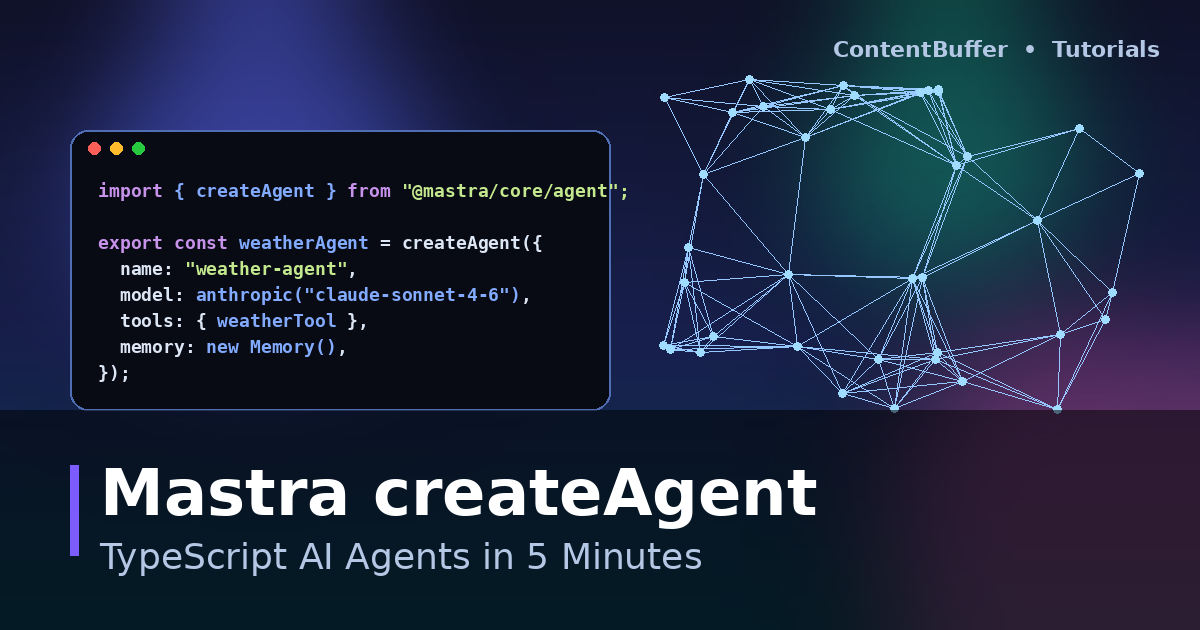
Mastra createAgent: TypeScript AI Agents in 5 Minutes
Summary
Build a typed Mastra agent with tools, memory, and Zod schemas in plain TypeScript.
Mastra hit 1.0 in January 2026 and crossed 22k GitHub stars by April. If you live in TypeScript and you have been jealous of the Python agent ecosystem, this is the framework that closes the gap. In the next 5 minutes you will scaffold a project, define a typed tool, give an LLM access to it, and watch the agent reason its way to an answer.
By the end you will know how createAgent, createTool, and Zod schemas fit together — and why Mastra Studio (the built-in dev UI) is the fastest feedback loop in the agent world right now.
Prerequisites
- Node.js 20.9+ (Mastra 1.x requires it)
- An OpenAI or Anthropic API key — examples below use Anthropic
- A terminal and 5 minutes of focus
Step 1 — Scaffold the project
The create-mastra CLI generates a fully typed starter with TypeScript, ESM, and Mastra Studio wired up.
npm create mastra@latest weather-agent
cd weather-agent
npm install
When prompted, pick Anthropic as the provider and accept the default agent name. The CLI drops your code under src/mastra/ with three folders: agents/, tools/, and workflows/.
Step 2 — Add your API key
# .env.local
ANTHROPIC_API_KEY=sk-ant-...
Mastra auto-loads .env.local in dev. No dotenv import needed.
Step 3 — Define a tool with Zod
Tools are the agent's hands. Mastra uses Zod to type the input and output, and the schema is what the LLM actually sees — so write it as if you were writing a function signature for a junior dev.
// src/mastra/tools/weather-tool.ts
import { createTool } from "@mastra/core/tools";
import { z } from "zod";
export const weatherTool = createTool({
id: "get-weather",
description: "Get the current temperature for a city in Celsius.",
inputSchema: z.object({
city: z.string().describe("City name, e.g. 'Berlin'"),
}),
outputSchema: z.object({
city: z.string(),
tempC: z.number(),
condition: z.string(),
}),
execute: async ({ context }) => {
const { city } = context;
// pretend this calls a real API
return { city, tempC: 17, condition: "partly cloudy" };
},
});
Step 4 — Create the agent
createAgent takes a model, an instructions prompt, and the tool registry. Memory is opt-in; we'll add a simple thread-scoped memory so follow-up questions remember the city.
// src/mastra/agents/weather-agent.ts
import { createAgent } from "@mastra/core/agent";
import { Memory } from "@mastra/memory";
import { anthropic } from "@ai-sdk/anthropic";
import { weatherTool } from "../tools/weather-tool";
export const weatherAgent = createAgent({
name: "weather-agent",
instructions: `You are a concise weather assistant.
Always call get-weather before answering temperature questions.
Reply in one sentence.`,
model: anthropic("claude-sonnet-4-6"),
tools: { weatherTool },
memory: new Memory(),
});
Then register the agent in src/mastra/index.ts:
import { Mastra } from "@mastra/core";
import { weatherAgent } from "./agents/weather-agent";
export const mastra = new Mastra({
agents: { weatherAgent },
});
Step 5 — Run the agent
Boot Mastra Studio with the dev server. It opens a chat UI on http://localhost:4111 where you can talk to the agent, inspect every tool call, and replay traces.
npm run dev
Or call it programmatically:
// scripts/ask.ts
import { mastra } from "../src/mastra";
const agent = mastra.getAgent("weatherAgent");
const res = await agent.generate("What's the weather in Berlin?");
console.log(res.text);
Example output:
$ npx tsx scripts/ask.ts
It is 17°C and partly cloudy in Berlin.
Behind the scenes the agent emitted a get-weather tool call with { city: "Berlin" }, received your fake payload back, and composed the final sentence. Open Studio and click the trace to see all of it on a timeline.
Common pitfalls
- Skipping
describe()on Zod fields — the LLM only sees the description, not the variable name. Vague descriptions cause vague tool calls. - Forgetting to register the agent in
src/mastra/index.ts— Studio shows an empty list andgetAgent()throws. - Using sync
execute— tools must return a Promise. Even if the body is sync, declareasyncso memory + tracing serialize correctly. - Storing API keys in code — Mastra reads env at startup; commit a
.env.exampleand add.env.localto.gitignore.
Quick reference
| Primitive | Purpose | Returns |
|---|---|---|
| createTool | Define a typed action the agent can call | Tool |
| createAgent | Bind model + instructions + tools + memory | Agent |
| createWorkflow | Deterministic multi-step pipeline | Workflow |
| Memory | Thread-scoped or persistent agent memory | Memory |
| mastra.getAgent | Look up a registered agent at runtime | Agent |
Next steps
- Swap the fake weather call for a real API like Open-Meteo.
- Add a second tool (e.g.
get-forecast) and watch the agent compose calls. - Wrap multi-step logic in
createWorkflowwhen you need deterministic execution. - Deploy with
mastra buildand host on Vercel, Cloudflare, or your own Node runtime.
Mastra's bet is simple: TypeScript developers should not have to switch to Python to ship agents. If your team already lives in the Vercel / Next.js / tRPC stack, this is the path of least resistance.
Comments
Be the first to comment