Productivity
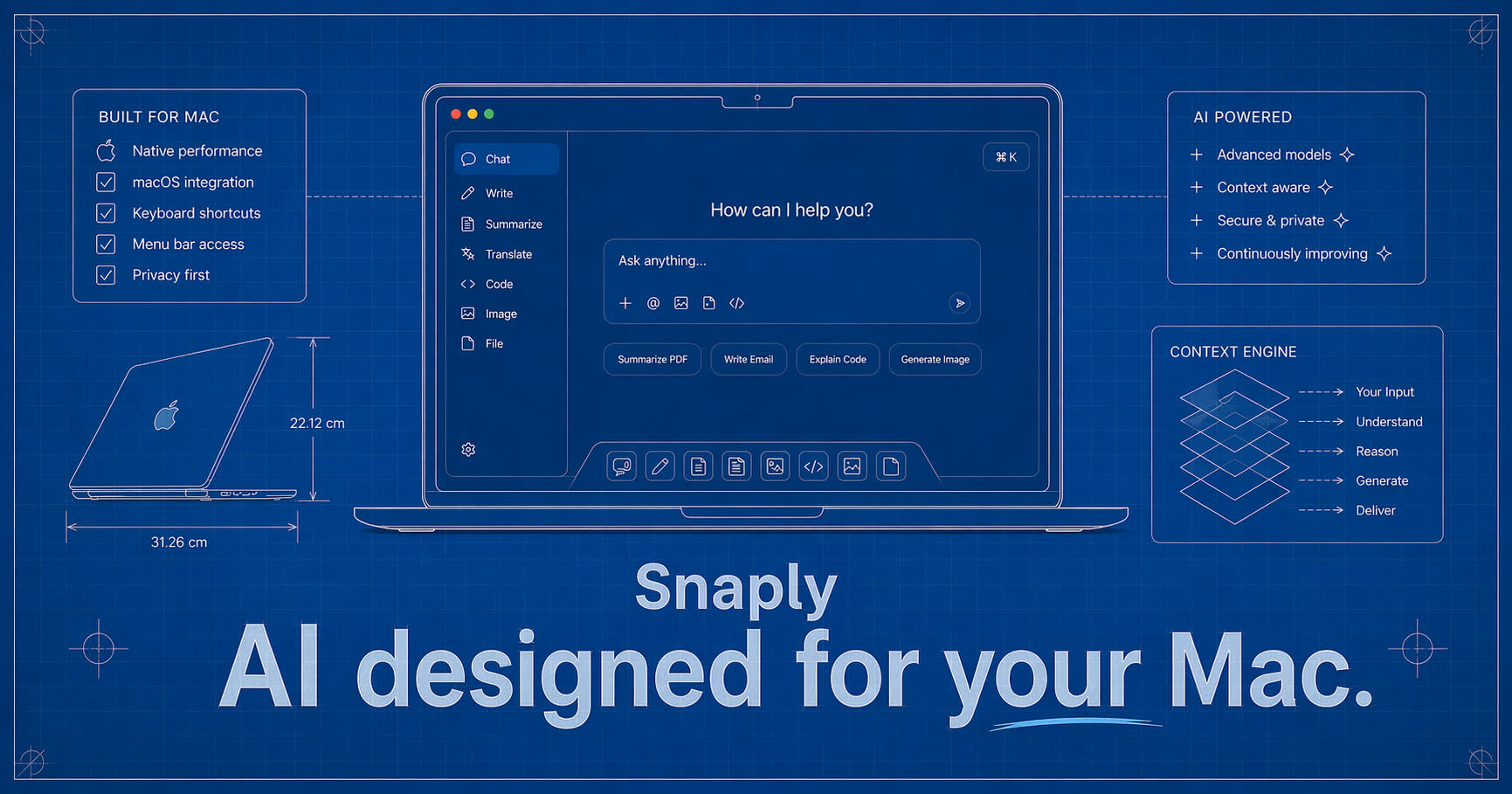
AI meeting notes by Snaply
Snaply is a free, fast AI app designed for your MacBook, with AI dictation, automatic meeting notes, transcripts, and a writing assistant across apps.
aimacmeeting
483 Productivity AI tools ranked by our quality score, with pricing and alternatives. See the best AI tools overall.
Snaply is a free, fast AI app designed for your MacBook, with AI dictation, automatic meeting notes, transcripts, and a writing assistant across apps.

Create specialized AI assistants for every department in minutes. Connect to Notion, Google Drive, and access ChatGPT, Claude, and Gemini. No coding required.
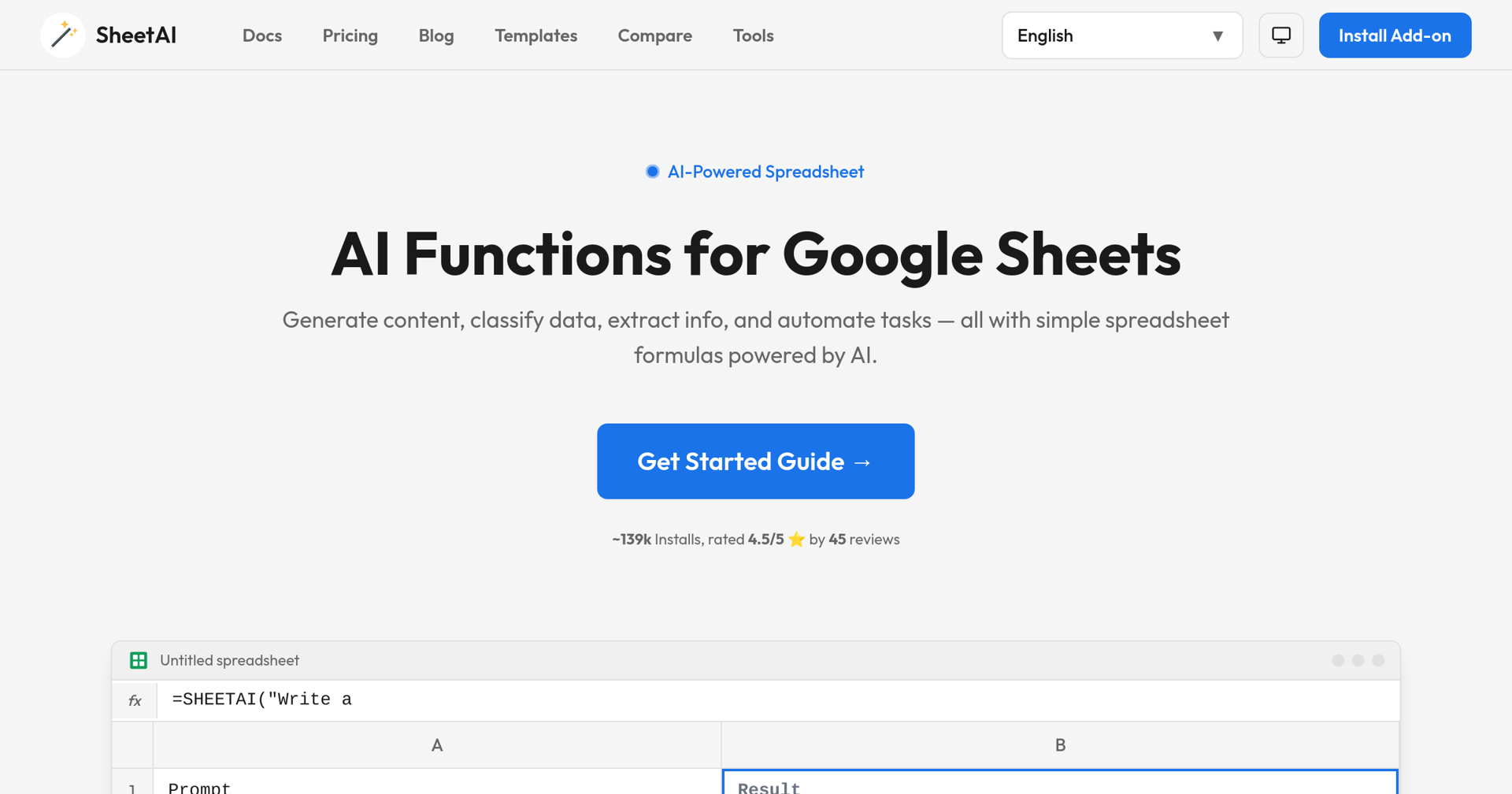

Powerful Google Sheets AI add-on to automate tasks, run AI functions, generate formulas, use ChatGPT in Sheets, & turn a spreadsheet into AI-powered sheet.
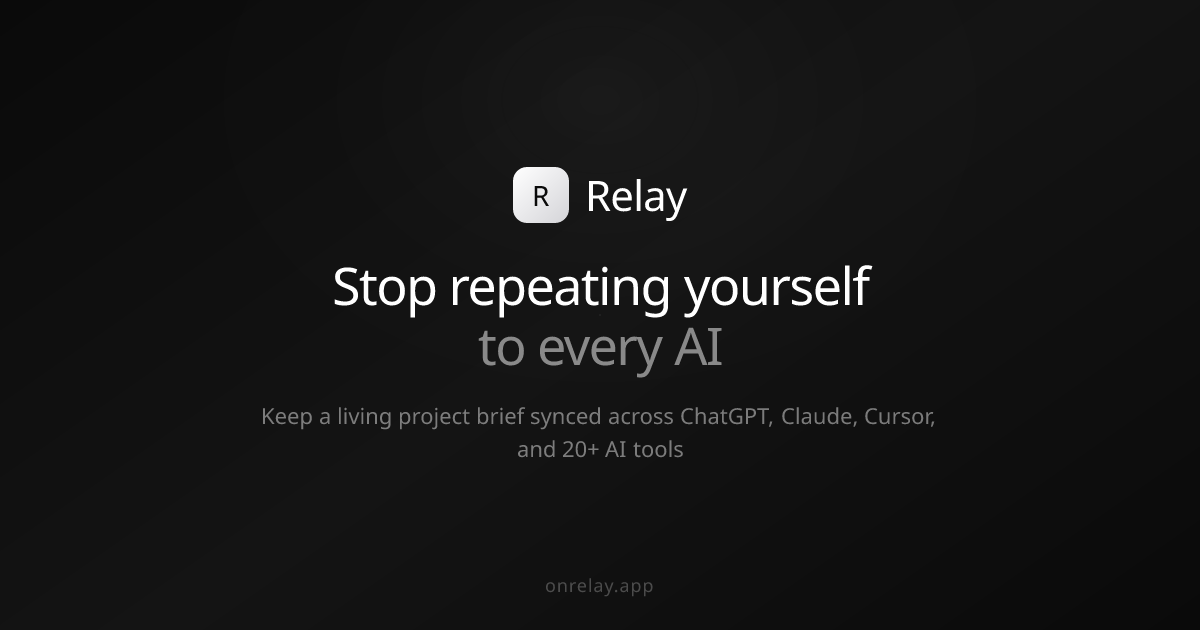

Relay captures context from your AI chats and keeps a living project brief synced across ChatGPT, Claude, Cursor, Claude Code, and 20+ tools.
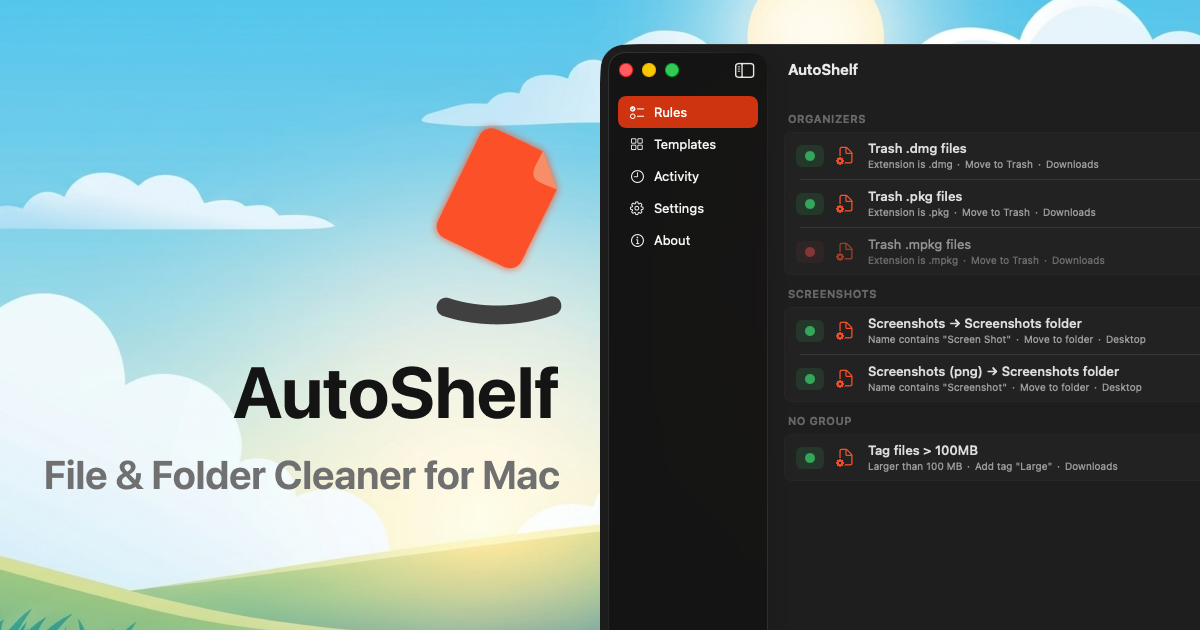

AutoShelf is a macOS app that watches your folders and auto-organizes files. Set a rule once and never think about it again. Free to try, unlock unlimited for $19.99.

Multi-Claude lets you run multiple Claude Desktop accounts side by side on one Mac. Each account is a real dock app with its own icon, history, and login. It detects your existing Claude install and offers to import your history into a named profile, keeping the original as backup. Profiles live entirely on your Mac — no accounts to create, no data sent anywhere. Name each profile (Work, Personal, Side project), pick a color, and switch between them with Cmd-Tab like any other app. Multi-Claude is a thin wrapper that launches the real Claude app with a different data directory.
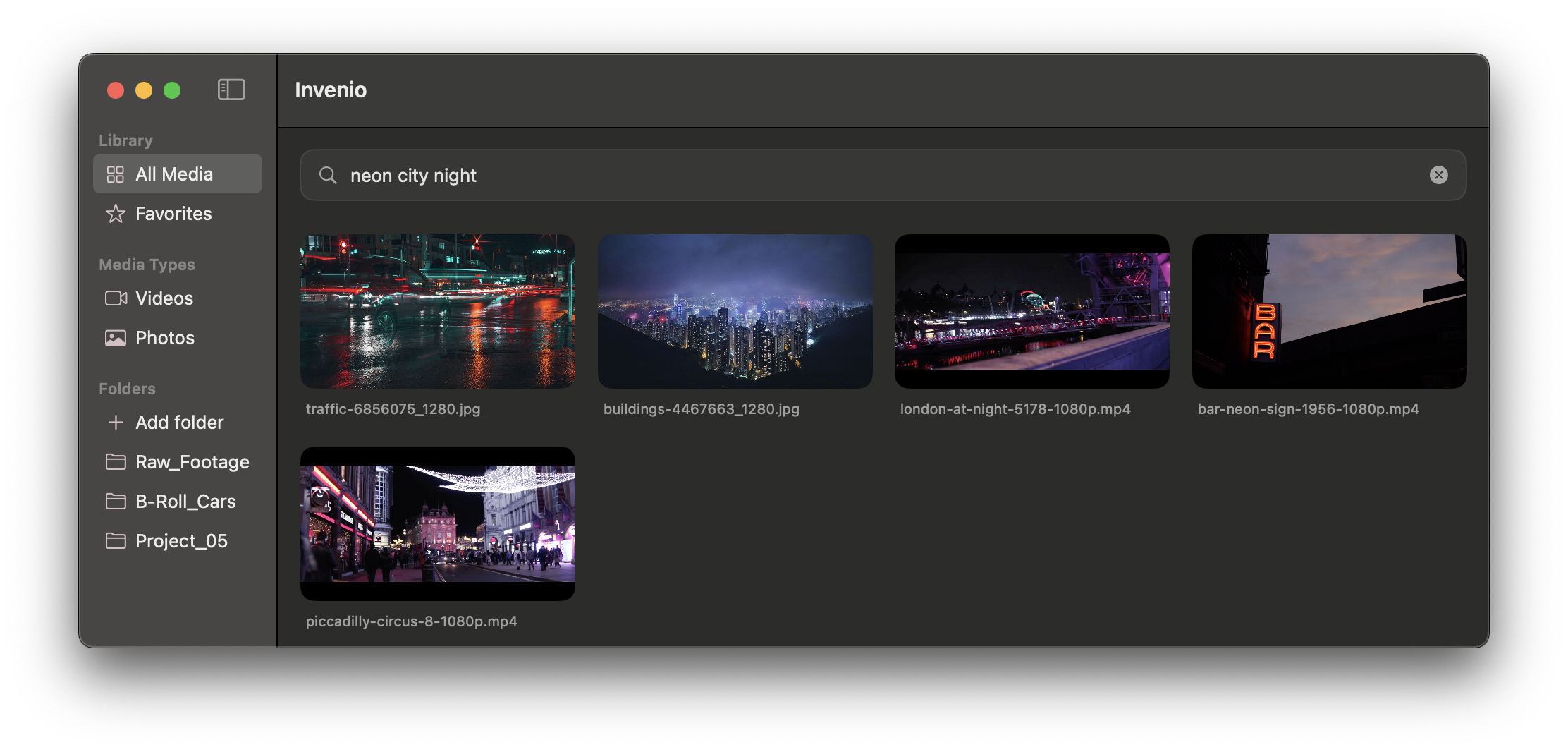
Invenio lets video editors and creators search huge video and photo libraries on Mac using natural language, spoken words or visual similarity — entirely on-device via the Apple Neural Engine. Type a query like 'man on a bike' and it finds the exact frame, then drag it straight into Premiere or Final Cut. No cloud, no tracking, 100% local.

AlliHat is a Safari extension that puts Claude AI in your sidebar. Ask about any page, summarize or explain it, highlight content for inline explanations, or use agent mode to click buttons, fill forms and navigate. Runs locally on your Mac with your own Anthropic API key — no servers, no analytics, no tracking.

TongueType is a macOS dictation app powered by Whisper AI running locally on Apple Silicon. Hold a key, speak, release, and your words appear instantly in any app — no cloud, no accounts, no subscription. Supports 12 languages with all audio processed entirely on-device.

iPromise is a Mac focus app that helps you actually get important work done rather than just plan it. You pick one task, commit to it, and a friendly on-screen buddy (a goose, turtle, comet, and more) keeps you company while a notch-docked HUD guards your focus and steps in when you drift. Each session ends with an AI-generated summary and a 60-segment focus timeline, and you bring your own AI provider and API key. Screen recording is used only to understand on-screen context during focus.
Nota is an AI notes and voice app for iPhone, iPad, Mac, and Apple Watch. Capture your way - type, dictate, sketch, scan, or upload images - and let built-in AI clarify, shape, and organize your notes. Its scanner extracts text from documents, whiteboards, business cards, signs, photos, and textbooks, and Apple Pencil support adds handwriting and drawing with tags, pins, search, and visual organization.
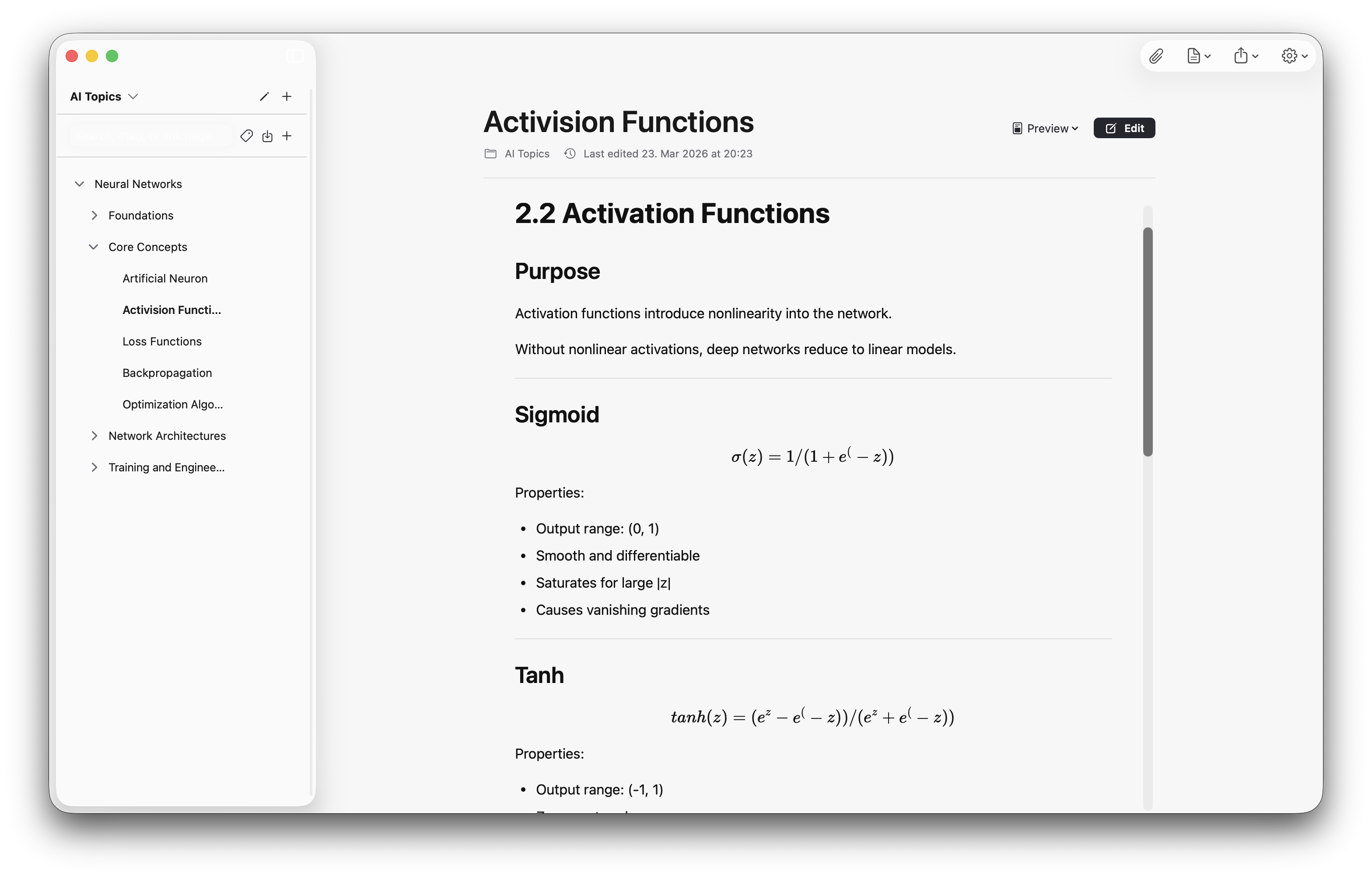

note.md is a private, local-first markdown workspace for macOS built for focused writing, research, and structured thought. It supports GitHub Flavored Markdown, complex tables, and LaTeX math, with bidirectional links and a visual graph to connect ideas. Smart citations and research-table extraction are powered by local AI models that keep your data on-device, and you can import scientific papers and PDFs directly. Markdown is the storage format - no proprietary lock-in.