
Simular.ai
What is Simular.ai?
Open-source AI agents that automate computer tasks via an always-on AI co-worker, freeing humans from device-bound work.
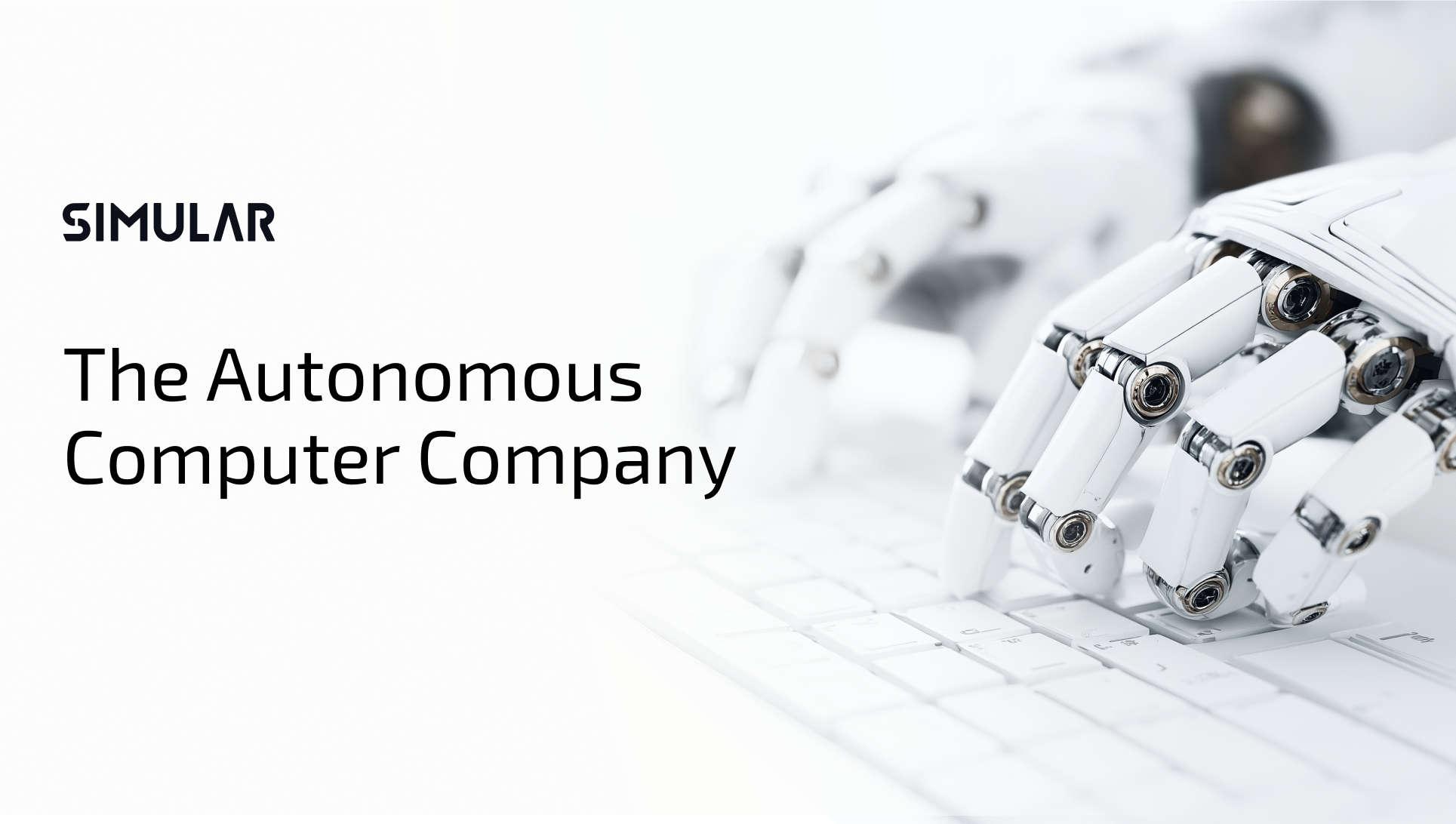
Simular AI delivers open-source, intelligent AI agents powered by leading research to automate computer tasks, streamline workflows, and enhance productivity. The platform offers 'sai', an always-on AI co-worker that operates on a private cloud-based virtual desktop, performing tasks like clicking, typing, using APIs, terminals, and writing code. It is designed to free humans from device-bound work, with guardrails for security and transparency. Simular has achieved top benchmarks in browser, computer, and smartphone use.
Key Features
Use Cases
Alternatives
Frequently asked questions
- Is Simular.ai free?
- Simular.ai offers a free trial.
- Is Simular.ai open source?
- Yes, Simular.ai is open source.
- What is Simular.ai used for?
- Simular.ai is used for Job seekers use Simular to automatically tailor resumes and apply for jobs, saving hours of manual editing and increasing application volume.; Marketing teams automate LinkedIn comments and social media posts, maintaining consistent engagement without daily manual effort.; Professionals delegate Gmail tasks and workspace document formatting to sai, freeing up time for strategic work.; Operations teams set up automated digital workflows for repetitive computer tasks, reducing human error and increasing throughput.; Developers use Simular's API and terminal capabilities to automate software testing and deployment pipelines..
- What are alternatives to Simular.ai?
- Alternatives to Simular.ai include Manus, Claude Computer Use, Browser Use. See the full ranked list of Simular.ai alternatives on ContentBuffer.
Opens in a new tab on Simular.ai website.
Comments
Be the first to comment
Discover more AI tools like this
Get the best AI tools, news, and resources delivered weekly.
Join 3,571 builders reading daily.