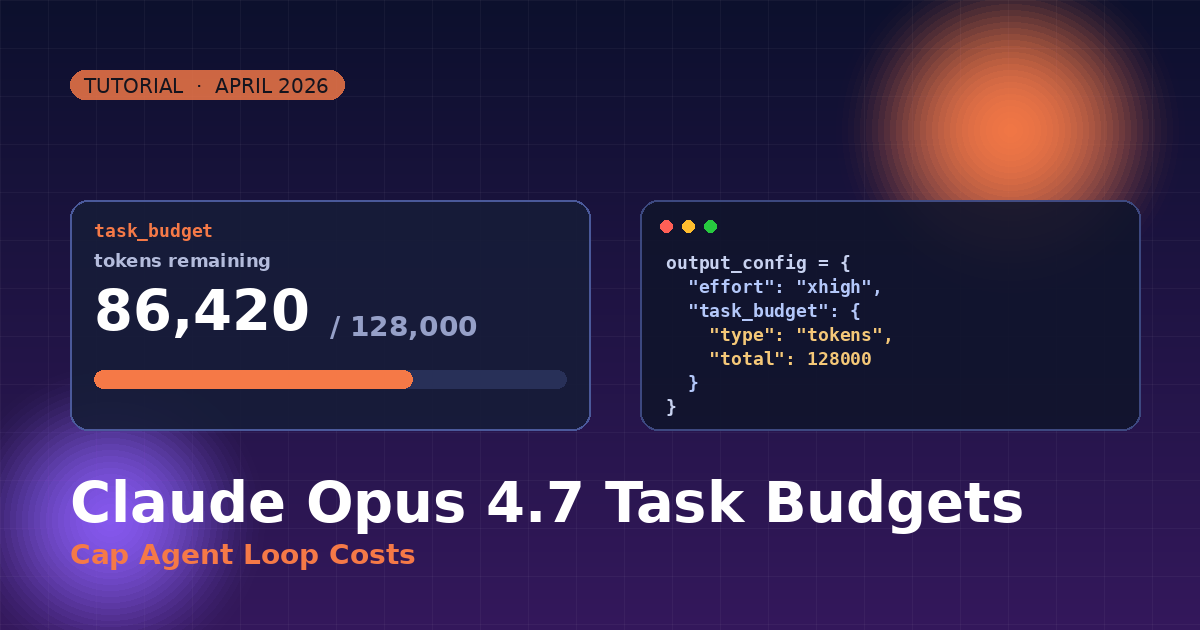
Claude Opus 4.7 Task Budgets: Cap Agent Loop Costs
Summary
Step-by-step guide to task_budget in Claude Opus 4.7 for cost-capped AI agent loops.
Claude Opus 4.7 shipped on April 16, 2026 with a new feature called task budgets — an advisory token cap that the model watches itself, so long agent loops don't burn your wallet. Here's how to use it in 5 minutes.
What Is a Task Budget?
A task_budget tells Claude how many tokens to target across a full agentic loop — thinking, tool calls, tool results, and the final answer combined. The model sees a running countdown and prioritizes accordingly.
- Advisory — not a hard cap. The model self-moderates.
- Different from
max_tokens, which is a hard per-request ceiling. - Minimum value: 20,000 tokens.
- Beta — requires the header
task-budgets-2026-03-13.
Step 1 — Install the Latest SDK
pip install -U anthropic
You need a recent anthropic SDK that supports the output_config parameter and beta headers.
Step 2 — Add the Beta Header
betas = ["task-budgets-2026-03-13"]
Without this header, the API ignores task_budget.
Step 3 — Call the API With a Budget
from anthropic import Anthropic
client = Anthropic()
response = client.beta.messages.create(
model="claude-opus-4-7",
max_tokens=128000,
output_config={
"effort": "xhigh",
"task_budget": {"type": "tokens", "total": 60000},
},
messages=[
{"role": "user", "content": "Review /repo and propose a refactor plan."}
],
betas=["task-budgets-2026-03-13"],
)
print(response.content[0].text)
The model now knows it has ~60k tokens to plan, think, call tools, and answer — and will wrap up gracefully as it approaches the limit.
Step 4 — Pick the Right Budget
| Task type | Suggested budget |
|---|---|
| Simple Q&A or single tool call | Don't set — use max_tokens only |
| Focused coding task (one file) | 20,000 – 40,000 |
| Multi-file refactor + tests | 60,000 – 100,000 |
| Deep research / long agent run | 100,000 – 250,000 |
| Open-ended quality-first work | Omit — let the model decide |
Step 5 — Read the Countdown (Streaming)
with client.beta.messages.stream(
model="claude-opus-4-7",
max_tokens=128000,
output_config={
"effort": "high",
"task_budget": {"type": "tokens", "total": 80000},
},
messages=[{"role": "user", "content": "Audit this repo for N+1 queries."}],
betas=["task-budgets-2026-03-13"],
) as stream:
for event in stream:
if event.type == "message_delta":
print(event.usage) # live token usage
Example Input → Output
Input prompt: "Summarize this 40-page PDF and extract every action item."
Config: task_budget = 30,000 tokens
Observed behavior:
- Claude reads the PDF once (≈ 18k tokens consumed).
- Sees ~12k tokens remaining on the countdown.
- Skips re-reading sections and writes a tight 5-bullet summary plus a checklist.
- Finishes with ~2k tokens buffer instead of looping over the doc again.
task_budget vs max_tokens
| Parameter | Scope | Hard cap? | Model aware? |
|---|---|---|---|
max_tokens | Per single request output | Yes | No |
task_budget | Full agentic loop (thinking + tools + output) | No (advisory) | Yes |
Common Pitfalls
- Budget too small → Claude may refuse or return shallow work. Bump to 40k+ for coding.
- Forgot the beta header → parameter is silently ignored.
- Used on quality-critical tasks → skip
task_budget; let the model go deep. - Mixed with old
thinking.budget_tokens→ 400 error in 4.7. Use adaptive thinking instead.
Key Takeaways
task_budgetis the first built-in cost throttle Claude knows about.- Use it for bounded agent work, skip it for open-ended quality runs.
- Combine with
effort: "xhigh"for the best coding results on Opus 4.7.
That's it — one beta header and one extra config block gives you cost-aware agent loops that finish cleanly instead of sprawling.
Comments
Be the first to comment