Cloudflare Project Think: Build Long-Running AI Agents
Summary
Build durable AI agents on Cloudflare with Project Think: sandboxed code and persistent state.
Cloudflare Project Think: Build Long-Running AI Agents
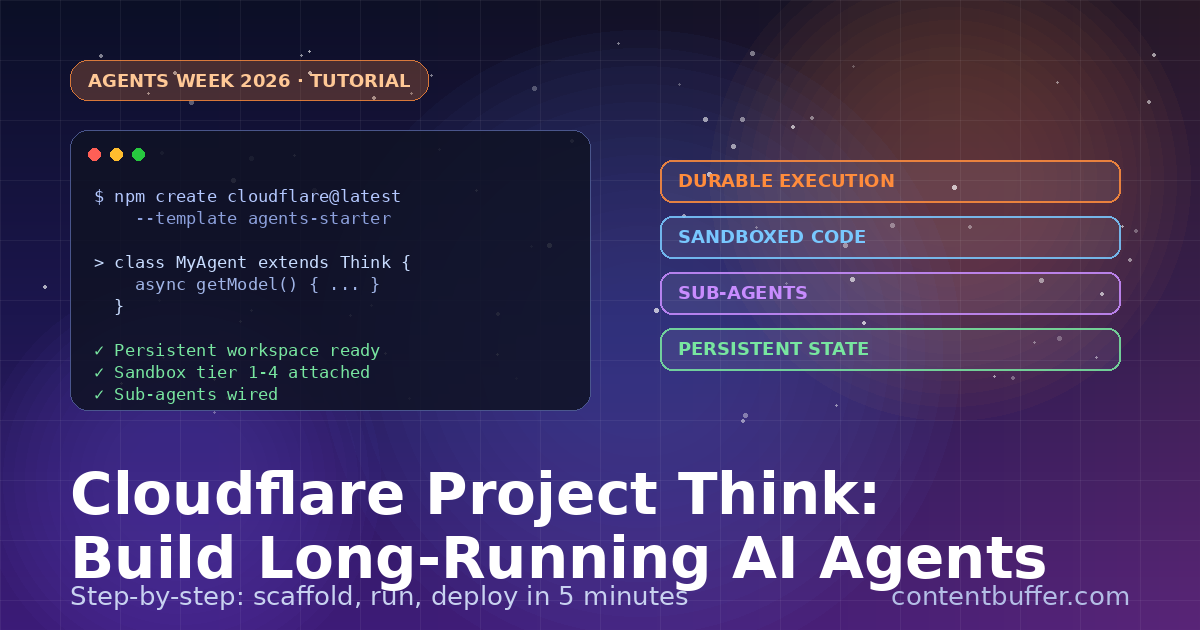
Project Think is Cloudflare's new opinionated base class for building durable, long-running AI agents. Released during Agents Week 2026, it bundles persistent workspaces, sandboxed code execution, sub-agents, and durable sessions behind one Think class.
In this 5-minute guide, you'll spin up a Think agent with three commands, wire it to a model, and chat with it through a built-in WebSocket UI.
What you'll build
- A live Cloudflare Worker running a Think agent
- A persistent workspace where the agent reads and writes files
- A WebSocket chat UI talking to it in real time
Prerequisites
- Node.js 20+ installed
- A free Cloudflare account
- Wrangler CLI (installed by the starter template)
Step 1: Scaffold the starter
Run the official starter. It scaffolds a Worker, the Think class, and a React chat UI.
npm create cloudflare@latest -- \
--template cloudflare/agents-starter \
my-think-agent
cd my-think-agent
npm install
Expected output:
✔ Created my-think-agent
✔ Installed dependencies
→ Run `npm start` to launch the dev server
Step 2: Define your agent
Open src/agent.ts. The minimal Think agent only needs a getModel() method — Think handles the chat loop, persistence, and tools.
import { Think } from "@cloudflare/agents/think";
import { createWorkersAI } from "workers-ai-provider";
export class MyAgent extends Think {
async getModel() {
const ai = createWorkersAI({ binding: this.env.AI });
return ai("@cf/meta/llama-3.3-70b-instruct");
}
}
That's the entire agent. Think wires up: WebSocket chat protocol, message persistence, the agent loop, stream resumption, and workspace file tools.
Step 3: Run it locally
npm start
Open http://localhost:5173. Try a prompt:
You: Create notes/ideas.md with three startup ideas.
Agent: Created notes/ideas.md
1. Voice-first inbox triage
2. Auto-generated runbooks from incidents
3. AI-driven feature flag rollouts
File saved to workspace ✓
Refresh the page — the file is still there. That's the persistent workspace.
Step 4: Understand the execution ladder
Think gives your agent five tiers of compute. Pick the lowest tier that does the job — they get more powerful but heavier as you climb.
| Tier | Environment | Use it for |
|---|---|---|
| 0 | Workspace filesystem | Reading and writing files |
| 1 | Sandboxed JavaScript | Quick math, JSON parsing, transforms |
| 2 | JS + runtime npm | Running a library on the fly |
| 3 | Headless browser | Scraping, testing, screenshots |
| 4 | Full Linux sandbox | Shell, Python, long-running jobs |
Step 5: Add a sub-agent
Sub-agents let the main agent delegate a subtask without bloating its own context.
import { Think, subAgent } from "@cloudflare/agents/think";
export class MyAgent extends Think {
tools = {
research: subAgent({
name: "researcher",
instructions: "Search the web and return a 5-bullet summary."
})
};
async getModel() {
return this.env.AI.run("@cf/meta/llama-3.3-70b-instruct");
}
}
Now your agent can call research("...") and get back a clean summary instead of dumping raw search results into its main loop.
Step 6: Deploy to Cloudflare
npx wrangler deploy
Expected output:
✓ Built worker
✓ Uploaded to my-think-agent
→ https://my-think-agent.<your-subdomain>.workers.dev
Your agent now runs on Cloudflare's global network with state synced across requests.
Common pitfalls
- Forgetting the AI binding in wrangler.toml — add [ai] binding = "AI".
- Using Tier 4 sandbox for trivial work — expensive. Start at Tier 1.
- Storing secrets in workspace files — use wrangler secret put instead.
What's next
- Add custom tools — define them in the tools object on your Think class.
- Wire in a frontier model via the AI Gateway instead of Workers AI.
- Explore the 30+ examples in the cloudflare/agents repo.
Project Think is in preview today. The full docs live at developers.cloudflare.com/agents.
Comments
Be the first to comment