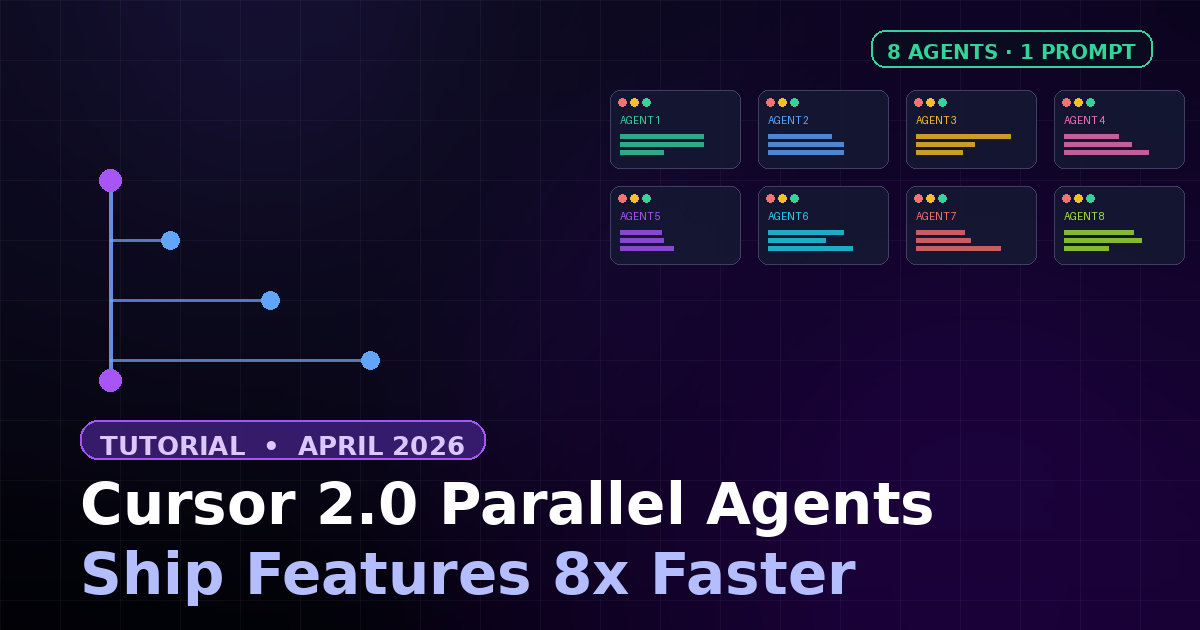
Cursor 2.0 Parallel Agents: Ship Features 8x Faster

Cursor 2.0 Parallel Agents: Ship Features 8x Faster

K
Kodetra Technologies·April 23, 2026·4 min read Beginner

Summary

Run up to 8 AI agents in parallel in Cursor 2.0 to finish features in a fraction of the time.

Cursor 2.0 Parallel Agents: Ship Features 8x Faster

Cursor 2.0 lets you run up to 8 AI coding agents in parallel on a single prompt. Each agent gets its own isolated git worktree, so they edit, build, and test without stepping on each other. In this hands-on guide, you'll set it up and ship a real feature in one sitting.

Who this is for: any developer using Cursor. No prior agent experience required.


Why Parallel Agents?

  • Speed: a feature that took 8 hours finished in ~2 hours in internal tests.
  • Isolation: each agent runs in its own git worktree — no merge conflicts.
  • Variety: run the same prompt across multiple models and pick the best result.
  • Safety: mistakes stay on that agent's branch until you review and merge.

Prerequisites

  • Cursor 2.0+ installed (free tier works; Pro unlocks more parallel slots).
  • A Git repository opened in Cursor (worktrees require git).
  • Clean working tree: git status should show no uncommitted changes.

Step 1 — Update to Cursor 2.0

Open Cursor and check your version:

# macOS / Linux
Cursor → About Cursor

# Or from the command palette (Cmd/Ctrl+Shift+P):
> About

# You should see: Version 2.x

If you're on 1.x, update via Cursor → Check for Updates.


Step 2 — Open the Agents Panel

The new agent-first UI replaces the sidebar chat with a dedicated panel.

  1. Press Cmd+E (macOS) or Ctrl+E (Windows/Linux).
  2. The Agents panel opens on the right.
  3. At the top you'll see a model dropdown and a + New Agent button.

Step 3 — Pick Your Models

Click the model dropdown and select multiple models (checkboxes). This is the parallel trick: one prompt, many models.

ModelBest forSpeed
ComposerLow-latency agentic coding~4x faster
Claude 4.5 SonnetComplex refactors, reasoningMedium
GPT-5.4Broad language support, testsMedium
Gemini 2.5 ProLarge-context codebasesMedium

Tip: pick 2–4 models for your first run. Adding all 8 can burn through credits fast.


Step 4 — Write a Strong Prompt

Parallel agents amplify prompt quality — good prompts get great results from all of them, vague prompts waste them all.

Example input:

Add a "Forgot password" flow to the Next.js app.

Requirements:
- Route:  /auth/forgot-password
- Email input + submit button (use existing <Input> and <Button>)
- On submit, POST /api/auth/forgot with { email }
- Show success message: "If the email exists, a reset link was sent."
- Add an integration test in tests/auth.test.ts that hits the route

Do NOT edit existing pages. Follow the patterns in app/auth/login/.

Hit Run. Cursor spawns one agent per selected model, each in its own worktree.


Step 5 — Watch Agents Work

Each agent gets a row in the panel with live status:

StatusMeaning
ThinkingAgent is planning the change
EditingWriting or modifying files in its worktree
RunningExecuting build or tests
DoneFinished — ready to review
FailedHit an error; check the log

Click any agent to see the full diff and terminal output for that worktree.


Step 6 — Compare and Merge the Winner

  1. In the panel, click Compare to diff two agents side by side.
  2. Pick the one whose code is cleanest and whose tests pass.
  3. Click Merge into main — Cursor runs git merge from the agent's worktree.
  4. Click Discard on the rest; their worktrees are deleted automatically.

Example output (git log after merge):

$ git log --oneline -5
a1b2c3d (HEAD -> main) feat(auth): add forgot-password flow
e4f5g6h (cursor/agent-composer) test: integration for forgot-password
7h8i9j0 chore: scaffold /auth/forgot-password route
...

Power Tips

  • Same model, different prompts: run two agents on Composer with slightly different instructions to explore approaches.
  • Bug triage: feed the same failing test to 4 agents and merge the first one that turns it green.
  • Cost control: keep a hard limit — e.g. 2 Composer + 1 Claude + 1 GPT. Composer is cheapest.
  • .cursorrules still applies: each worktree inherits your repo rules, so style stays consistent across agents.

Common Pitfalls

  • Uncommitted changes block worktree creation — commit or stash first.
  • Large monorepos can slow worktree spawn; pin agents to a sub-directory with @folder in the prompt.
  • Environment files (.env, secrets) don't auto-copy into worktrees — add them to a setup script.
  • Don't run 8 agents on 8GB RAM. Each worktree + dev server adds up quickly.

Wrap-Up

Parallel agents turn Cursor into a small, auditable team. Start with 2 agents on well-scoped tasks, learn which models work for which prompts, then scale up. The speedup is real — but the quality of your prompt and your review still decide the outcome.

Next step: open a stale bug on your backlog, write a precise prompt, and ship the fix in parallel this afternoon.

Comments

Subscribe to join the conversation...

Be the first to comment