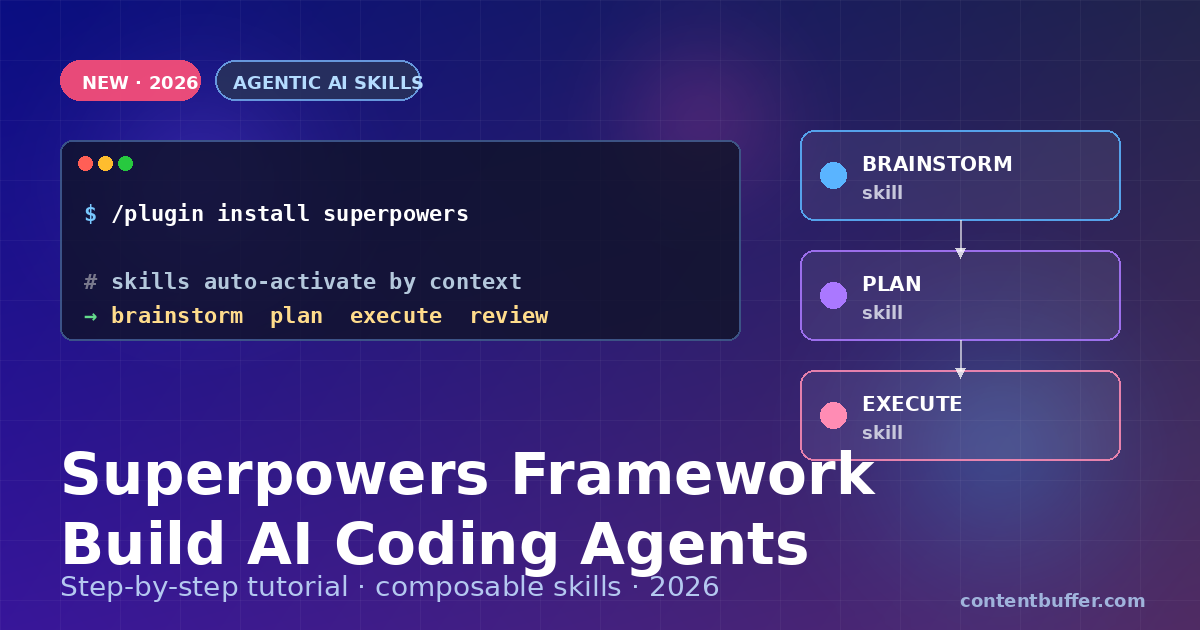
Superpowers Framework: Composable Skills for AI Agents
Summary
Install Superpowers and teach your coding agent to brainstorm, plan, and ship with TDD.
Released April 16, 2026. Superpowers by obra turns your coding agent into a disciplined engineer—brainstorming first, planning next, then executing test-driven code through autonomous subagents.
In this guide you’ll install Superpowers, understand its seven-stage workflow, and run your first agent-led feature from idea to merged branch.
Why Superpowers is trending
- 158K⭐ on GitHub — fastest-rising agentic framework of April 2026.
- Works across platforms — Claude Code, Codex, Cursor, Copilot CLI, Gemini CLI.
- No prompt hacking — skills auto-activate based on context.
- TDD enforced — RED-GREEN-REFACTOR loops prevent hallucinated code.
Step 1: Install Superpowers
Pick the install command for your agent platform. Run it inside an active session.
Claude Code
/plugin install superpowers@claude-plugins-official
Cursor
/add-plugin superpowers
GitHub Copilot CLI
copilot plugin marketplace add obra/superpowers-marketplace
copilot plugin install superpowers@superpowers-marketplace
Gemini CLI
gemini extensions install https://github.com/obra/superpowers
Expected output:
✓ Superpowers installed (v1.4.0)
19 skills registered
Skills activate automatically based on context.
Step 2: Understand the 7-stage workflow
Superpowers replaces “write me this code” with a disciplined pipeline. Each stage is a skill the agent invokes automatically.
| Stage | Skill | What it does |
|---|---|---|
| 1. Brainstorm | brainstorming | Asks clarifying questions before touching code |
| 2. Worktree | git-worktree | Isolates work on a fresh branch |
| 3. Plan | plan-writing | Breaks the work into granular, reviewable tasks |
| 4. Execute | subagent-driven-dev | Dispatches subagents to implement each task |
| 5. TDD | test-driven-dev | Enforces RED → GREEN → REFACTOR |
| 6. Review | code-review | Validates output against the plan |
| 7. Complete | branch-completion | Merges cleanly and cleans up |
Step 3: Run your first feature
Open your coding agent in the repo you want to work on. Give it a one-line feature request.
Input:
Add a /health endpoint to my Express API that returns uptime in ms.
What happens (example output):
[brainstorming] Before I plan, two questions:
1. JSON or plain text response?
2. Include build version?
> JSON, include version from package.json
[git-worktree] Creating branch: feature/health-endpoint
[plan-writing] Wrote plan.md — 4 tasks, 3 tests
[subagent-dev] Task 1/4: write failing test for GET /health
✗ RED — test fails as expected
[subagent-dev] Task 2/4: implement handler
✓ GREEN — 1 test passing
[subagent-dev] Task 3/4: add version + uptime
✓ GREEN — 3 tests passing
[code-review] ✓ Matches plan, tests pass, no dead code
[branch-completion] Ready to merge. Run /merge to proceed.
Step 4: Use individual skills on demand
Skills activate automatically, but you can invoke them directly.
| Command | When to use it |
|---|---|
| /skill brainstorm | Stuck on an ambiguous requirement |
| /skill plan | Need a granular task list before coding |
| /skill debug | Hit an error — runs 4-phase root-cause analysis |
| /skill review | Want a second-pass review of recent changes |
| /skill verify | Evidence check before marking a task done |
Example: systematic debugging
> /skill debug "tests pass locally but fail in CI"
Phase 1: Reproduce — ran CI command locally, reproduces.
Phase 2: Isolate — diff between local and CI env vars.
Phase 3: Root cause — TZ=UTC missing in local shell.
Phase 4: Fix — add TZ=UTC to test script + CI config.
Step 5: Write your own skill
Skills are plain markdown files with a YAML frontmatter. Drop one in .superpowers/skills/ and it’s available on next run.
---
name: pr-description
description: Generate a PR description from the current branch diff
triggers:
- "write pr description"
- "pr summary"
---
# PR description skill
1. Run: git log main..HEAD --oneline
2. Run: git diff main..HEAD --stat
3. Output markdown with: Summary, Changes, Test plan, Risk.
4. Keep it under 200 words.
Result: next time the agent sees “pr summary”, it uses your skill instead of winging it.
Common pitfalls to avoid
- Skipping brainstorm — you’ll get wrong code fast. Let the agent ask questions.
- Editing
maindirectly — always let the worktree skill create a branch. - Disabling TDD — the RED step is the whole point. Green-only code is unverified.
- Overloading a skill — one job per skill. Compose them, don’t merge them.
Quick reference cheatsheet
| Action | Command |
|---|---|
| Install (Claude Code) | /plugin install superpowers@claude-plugins-official |
| Install (Gemini CLI) | gemini extensions install https://github.com/obra/superpowers |
| List skills | /skills list |
| Invoke a skill | /skill |
| Add custom skill | drop .md file in .superpowers/skills/ |
| Update | /plugin update superpowers |
Wrap-up
Superpowers is the fastest way to stop your agent from vibe-coding. Install it, run one feature end-to-end, then write a skill for a workflow only your team does. Your next PR writes itself — correctly.
- GitHub: github.com/obra/superpowers
- Supported agents: Claude Code, Codex, Cursor, Copilot CLI, Gemini CLI
- License: open source, 158K stars as of April 2026
Comments
Be the first to comment